
Spin 1 sp113
- 2200 mAh
- 15,2 V
- Lithium-Ion
5 286 references across 13 series. Choose the series of your device, then its model.
 Bestsellers
The most ordered items
of the 25,80 €



No series matches. Try searching by model or contact us.
Under normal use, an Acer laptop battery will keep decent battery life for several years, but this will gradually decrease with each charge and discharge cycle. When you notice that the laptop runs out of power too quickly or needs to be plugged in all the time, it’s usually time to replace it with a new compatible battery.
The price of an Acer laptop battery mainly depends on the range of the laptop, the exact reference (for example Aspire, Swift, Nitro, etc.) and the capacity (expressed in mAh or Wh). The most important thing is to choose a battery whose specifications match the original (voltage, connector, size) to ensure reliable operation.
A new Acer laptop battery can be fitted and used as soon as it is installed, provided you follow the usual recommendations: switch off the laptop before fitting, check the connector is properly inserted, and avoid impacts or extreme temperatures. The batteries sold by Batshop are brand new, tested and covered by a 2-year guarantee, with secure payment and 30 days to change your mind.
Start by fully shutting down your Acer laptop and unplugging the charger. On models with a removable battery, you generally just need to unlock the catches on the back of the laptop and slide the battery out; on models with an internal battery, you must remove the bottom cover and carefully disconnect the battery pack, following the device manual or asking a professional for help if needed.
Once your order has been confirmed, your Acer battery is prepared and dispatched with tracking, via Colissimo, Chronopost or to a pickup point depending on the option you choose. You benefit from secure payment (bank card, Apple Pay, Google Pay, PayPal) and you can return the product within 30 days if you change your mind.
The battery is at the heart of your Acer laptop’s battery life: without it, your machine loses its mobility and has to stay plugged in all the time. As soon as you notice reduced endurance, a charge level that drops very quickly or a system message indicating a battery problem, it’s time to think about replacing it.
On Batshop, you’ll find replacement batteries compatible with many Acer laptops, selected to restore comfortable battery life and safe use of your device.
A healthy Acer laptop battery lets you work, study or enjoy your entertainment away from a power socket. When it reaches the end of its life, your laptop may shut down suddenly, even when it shows 100%, or it may stop recognising the battery altogether. In these cases, changing the battery is the most reliable way to give your laptop a new lease of life.
Batshop offers a wide range of batteries for Acer laptops: each model is designed in line with the original reference and the charging profile specified by the manufacturer. This allows you to regain stable operation, with capacity and voltage suited to your machine.
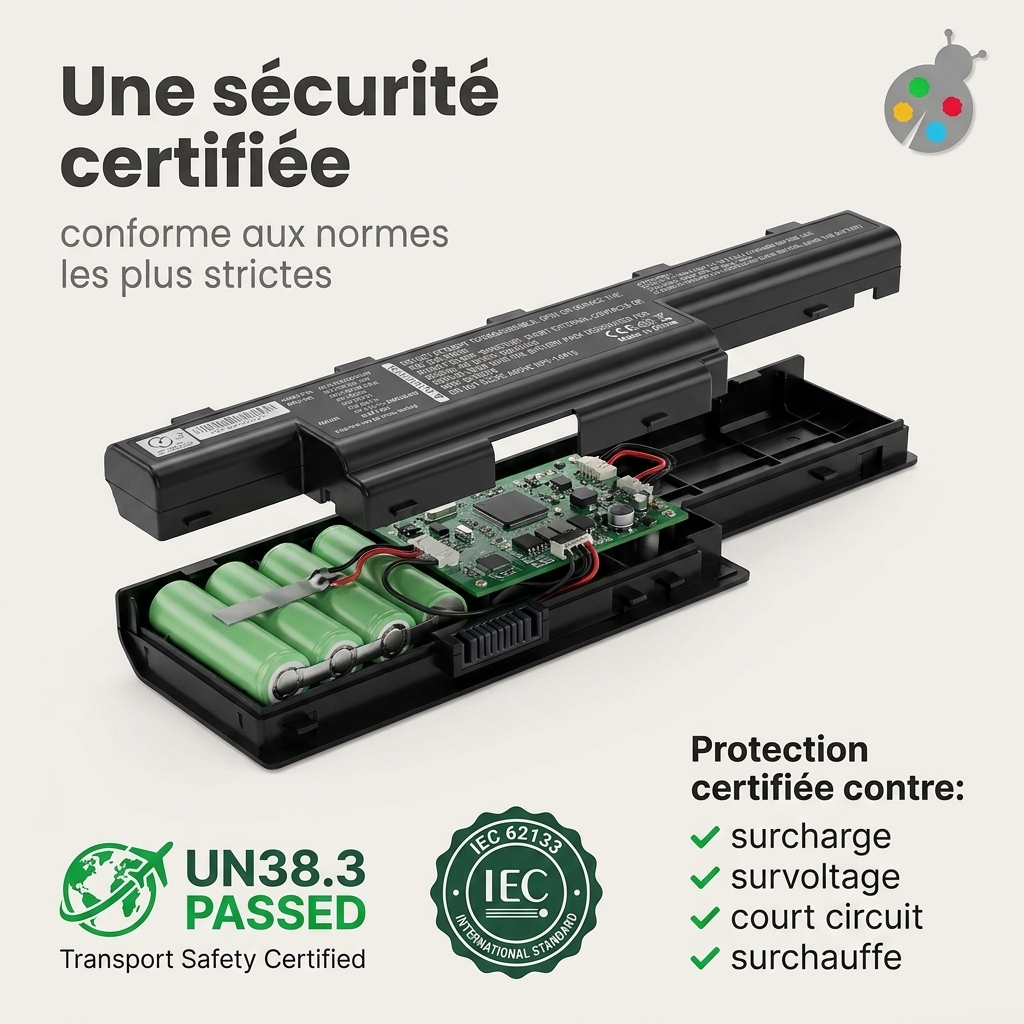
Before being put on sale, compatible Acer batteries undergo rigorous checks and comply with the main safety standards (ISO 9001, CE marking, RoHS directive). The aim is to reduce the risk of overheating, overcharging or short circuits while maintaining performance.
Each Batshop product page includes a short description and a list of compatible references to help you validate your choice.
Certain behaviours of your laptop indicate that it’s time to replace the battery:
If you encounter any of these situations, fitting a new battery suitable for your Acer will restore normal mobile use.
A few simple habits will help extend the lifespan of your replacement battery:
When you order your Acer battery from Batshop, you benefit from tracked delivery (Colissimo, Chronopost or collection point), secure payment (CB, Apple Pay, Google Pay, PayPal), a 2-year warranty on new parts and 30 days to change your mind.
If you are unsure about compatibility, you can carefully compare the reference, voltage and connector shape of the proposed battery with your original model before finalising your purchase.

 Your basket
 EN
 Français
 Español
 Deutsch
 Italiano
 Nederlands