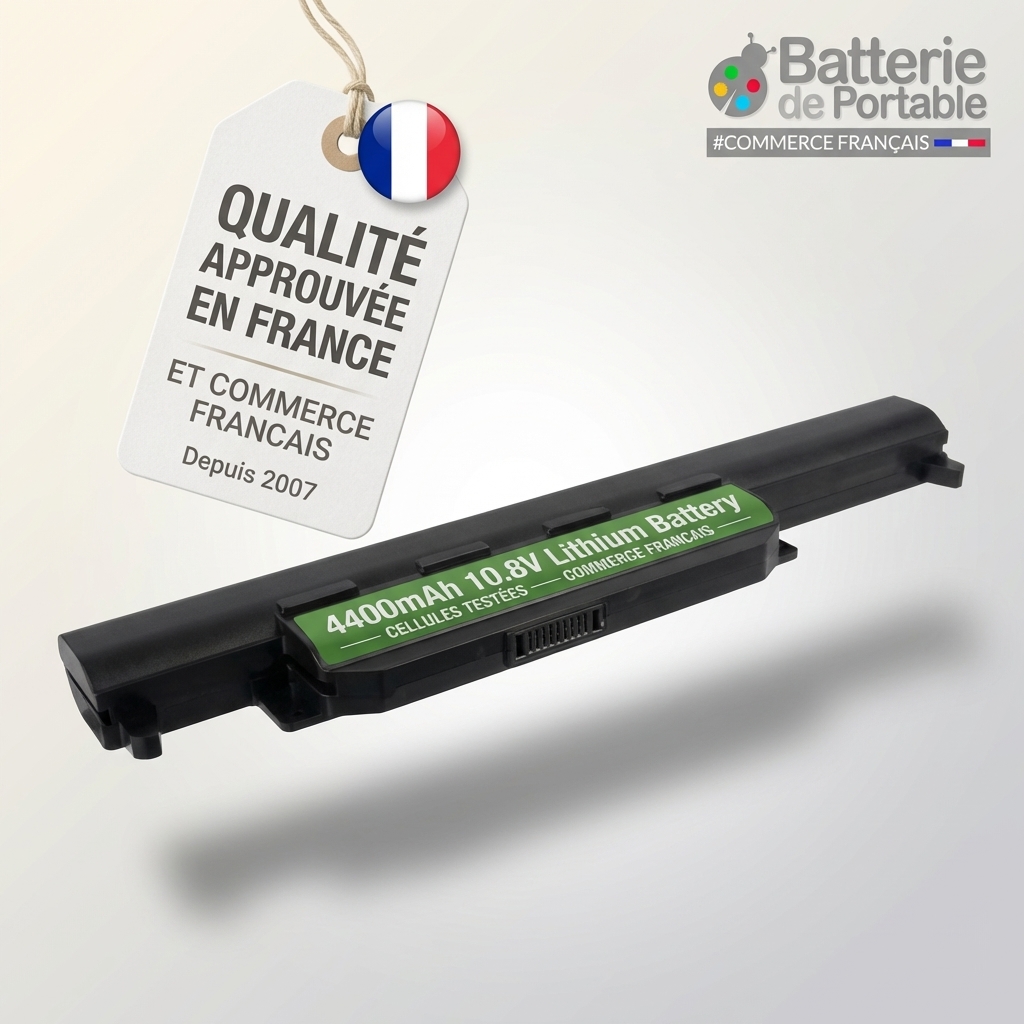
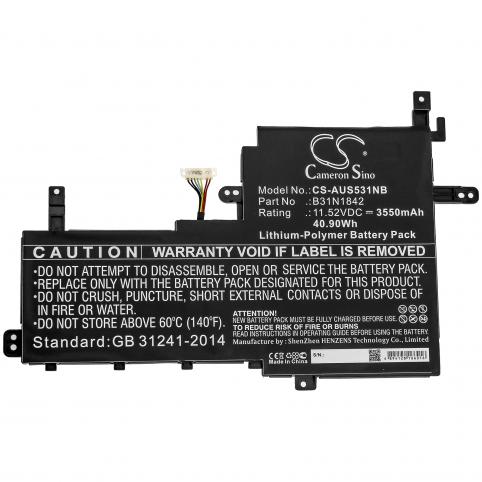
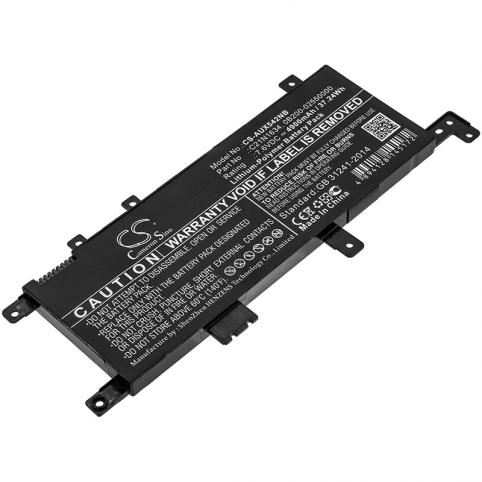
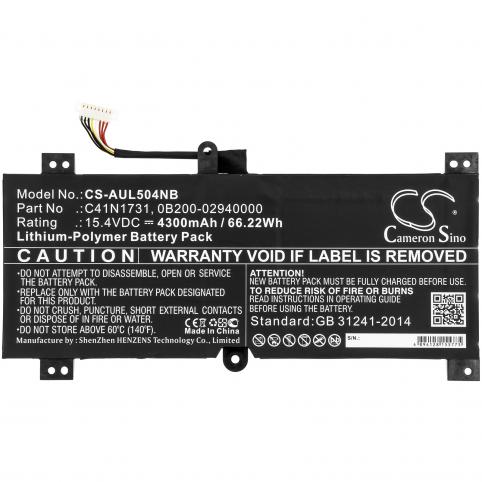
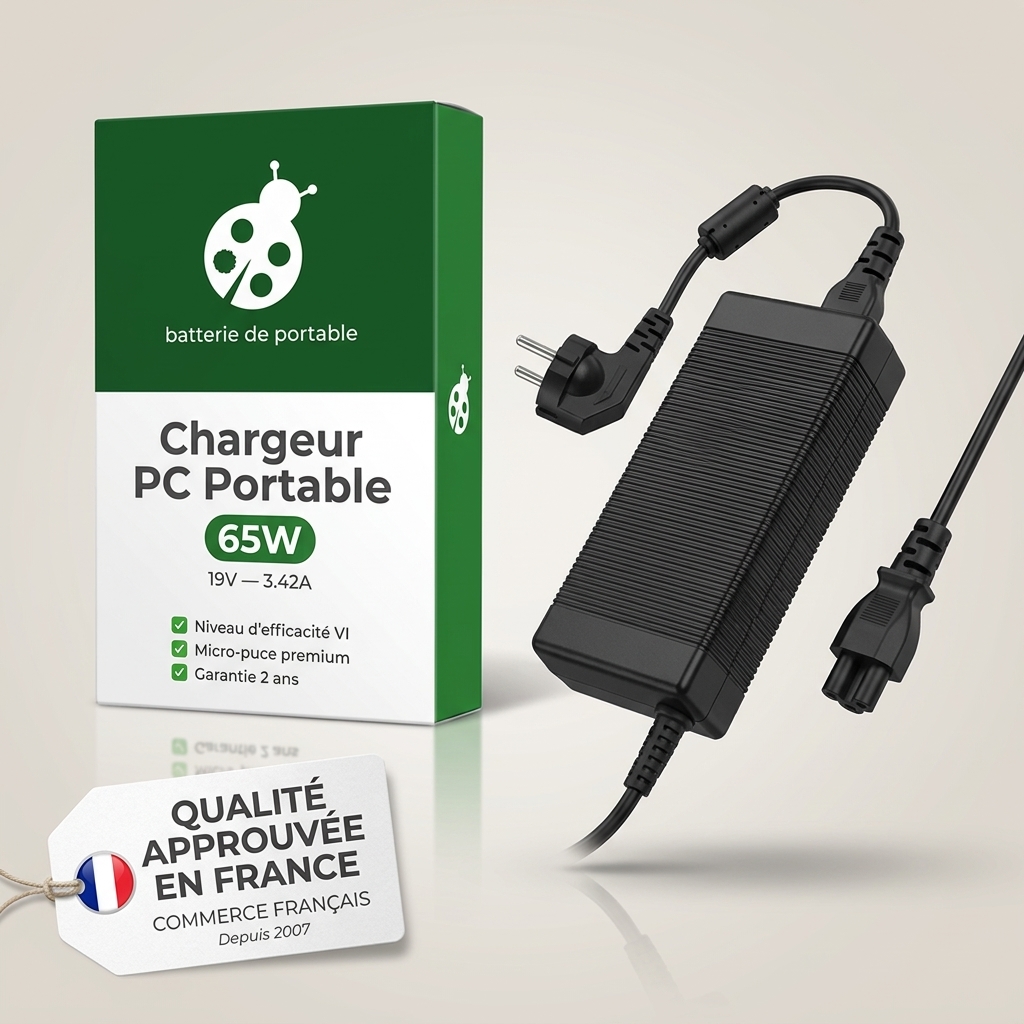
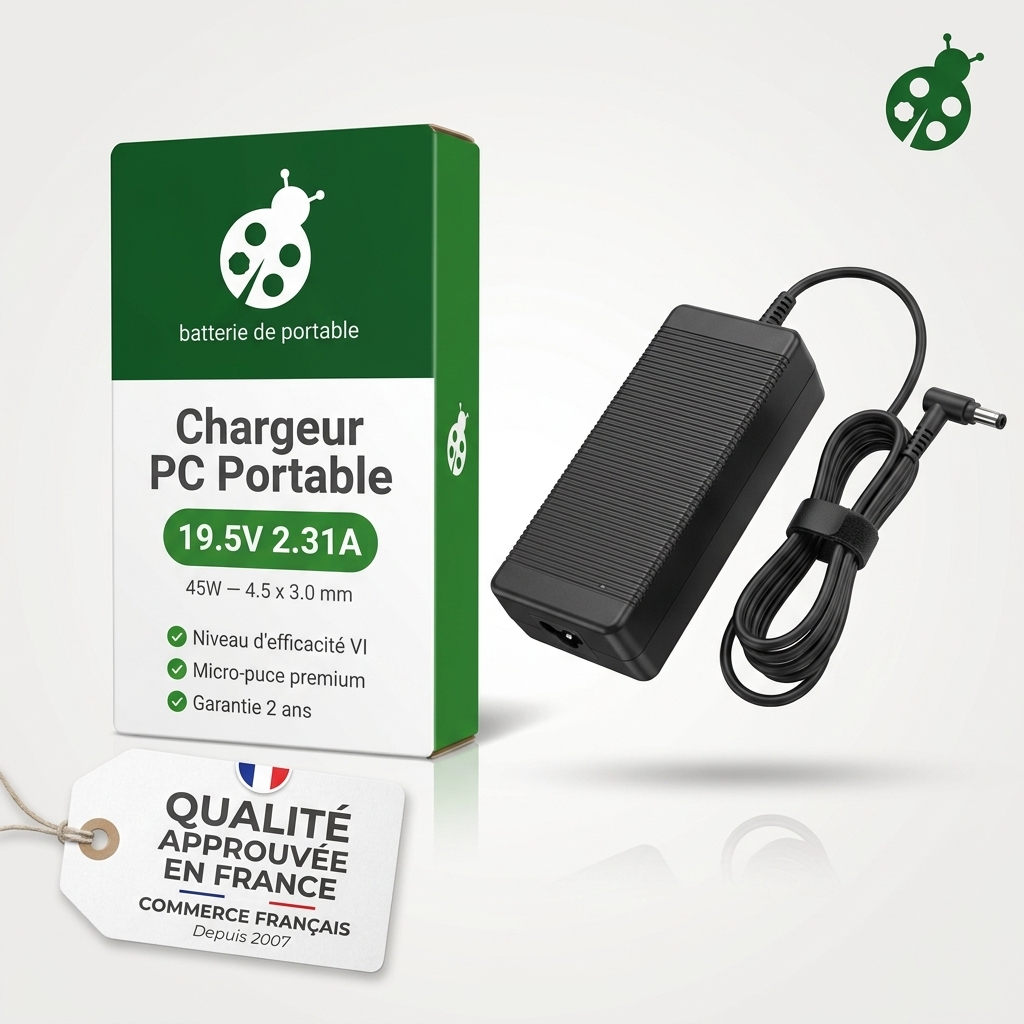
Find the right part for your appliance at batshop
Home > Battery > Laptop > Asus
Batteries

Compatible batteries for laptop Asus

5 286 references across 9 series. Choose the series of your device, then its model.
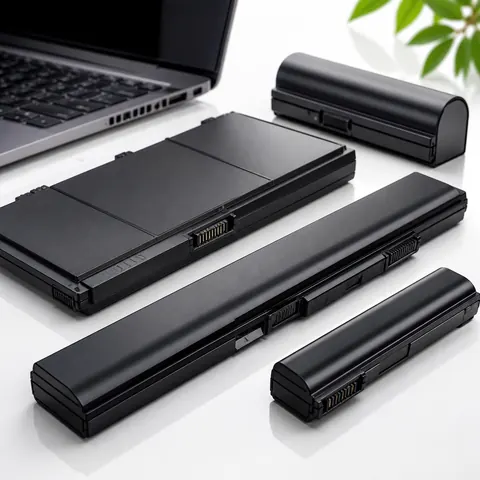
Bestsellers The most ordered items of the 25,80 €
Order with peace of mind
  • 2-year warranty
  • 30 days to change your mind
  • Secure payment

Popular series

All 9 series

Bestsellers · Laptop

See the series
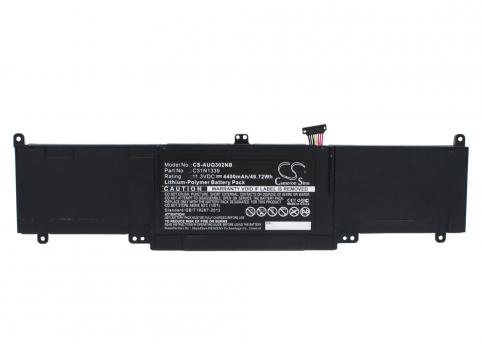
N°1
Deluxe 14s
Deluxe 14s
  • 4250 mAh
  • 15,48 V
  • Li-Polymer
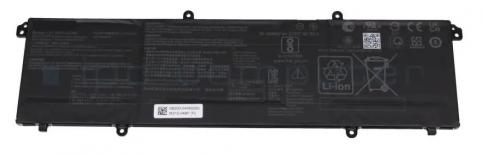
N°2
A41-x550  x450
A41-x550 x450
  • 2600 mAh
  • 14,4 V
  • Lithium-Ion
N°3
K430fa
K430fa
  • 3600 mAh
  • 11,55 V
  • Li-ion
K45d
K45d
  • 4400 mAh
  • 10,8 V
  • Lithium-Ion
Fx571
Fx571
  • 3600 mAh
  • 11,55 V
  • Li-ion

All series

Complete your equipment

Best selling adapters · laptop Asus

See all
N°1
N°2
N°3
M2 m6
M2 m6
1015e
1015e
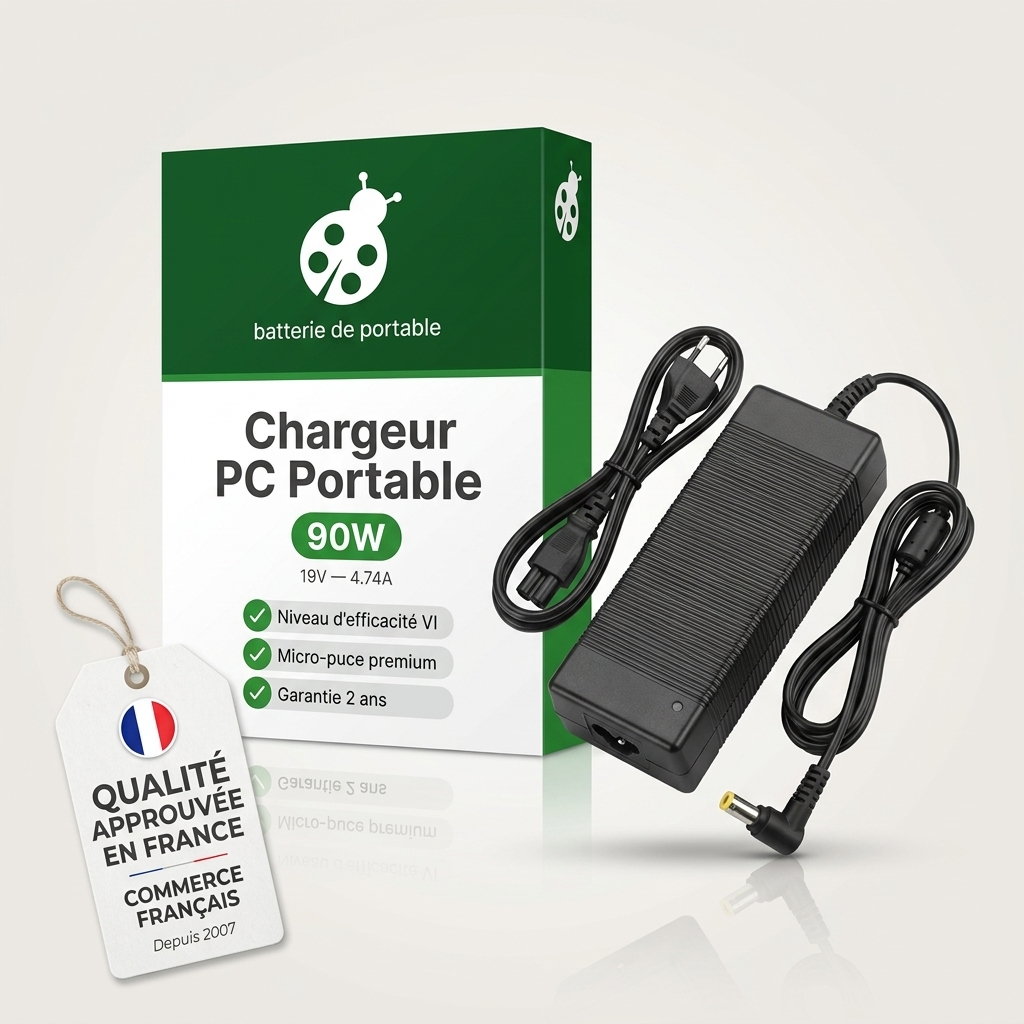
90w
90w
X751l
X751l
R510ca
R510ca

Frequently asked questions Asus

4 questions
How can I check whether the fault is with the Asus battery or the mains charger?+

If the battery is removable, take it out and then start your Asus laptop with only the mains power connected: if it works normally, the power adapter is supplying current correctly and the battery is probably at fault. If the laptop still refuses to switch on, or turns off immediately, the charger or another component may be defective.

How can I be sure a replacement battery is compatible with my Asus laptop?+

The most reliable solution is to note down the exact reference printed on your original battery, for example A32-K55 or B31N1726, as well as, if possible, the voltage (V) and capacity (mAh or Wh) shown on the label. By using this model code to choose your new battery, you make sure it matches the electrical and mechanical design of your Asus laptop.

Is it possible to replace the internal battery of an Asus ZenBook myself without going to a repair shop?+

On most ZenBook models, the built-in battery can be replaced by removing the bottom cover with a suitable small screwdriver, then carefully unscrewing and disconnecting the old battery. It is important to work on a clean surface, with the device switched off and unplugged, and to follow a guide specific to your model to avoid damaging the motherboard or internal ribbon cables.

What types of issues are excluded from the warranty when I buy a replacement Asus battery?+

The warranty covers manufacturing defects, but not normal battery wear (gradual loss of battery life), nor damage caused by a drop, impact, contact with liquids or exposure to high heat. It also does not apply in cases of obvious misuse, for example if the battery has been opened, modified or used with an incompatible device; at Batshop, new parts come with a 2-year warranty, tracked delivery (Colissimo, Chronopost or collection point), secure payment (bank card, Apple Pay, Google Pay, PayPal) and 30 days to change your mind.

  • Tracked deliveryColissimo, Chronopost or collection point
  • Secure paymentCredit card, Apple Pay, Google Pay, PayPal
  • 2-year warrantyOn all new parts
  • 30 daysto change my mind

Bien choisir votre Battery · Laptop

ASUS is one of the world’s leading manufacturers of computer hardware, especially in the field of laptops. On Batshop you’ll find batteries compatible with many Asus laptops, to restore battery life to your machine when the original battery starts showing signs of wear.
Read more

The Taiwanese brand is well known for designing versatile laptops (office use, multimedia, gaming, professional) and for its technological choices around lithium-ion and lithium polymer batteries. When an Asus laptop battery loses capacity or no longer charges properly, it is often more economical to replace it than to change the whole device.

Replacing the battery in your Asus laptop

If your Asus laptop displays warning messages about the battery status, refuses to charge it or no longer detects it, then a replacement becomes necessary. A healthy battery should:

  • Charge fully without interruption
  • Be recognised by the operating system
  • Not cause abnormal flashing of the charging LED
  • Allow the laptop to run on battery power only, without needing to stay plugged in all the time

If this is not the case (no detection, very fast discharge, laptop that no longer starts because of the battery), fitting a new Asus-compatible battery is the most reliable solution.

Situations where the manufacturer’s warranty may be refused

Asus laptop batteries can be covered by a manufacturer’s warranty, but it does not include every situation. The following are generally excluded:

  • Damage caused by misuse (impacts, risky disassembly, short circuit)
  • Repairs or modifications carried out by an unauthorised person
  • The simple loss of capacity due to normal wear over charging cycles
  • Lack of proof of purchase or missing original warranty documents
  • Signs of moisture, corrosion or oxidation on the battery

If your battery shows these signs, or if it has simply aged, replacing it with a new part is still the safest way to regain comfortable battery life.

Tips to extend the life of an Asus battery

A few good habits can help you get the most out of your Asus laptop battery:

  • Avoid plugging and unplugging the charger for no reason; aim for consistent charging cycles
  • Keep the laptop in a moderate environment, ideally between 10 °C and 30 °C
  • Do not expose the laptop to excessive heat (radiator, oven, in full sun behind a window)
  • Do not store the battery in a cold, damp place, to limit accelerated discharge
  • Adjust the power settings: reduce screen brightness, enable screen sleep, and set the hard drive to switch off or sleep when the laptop is idle

These settings reduce power consumption and preserve the battery over the long term.

Signs it’s time to change your Asus battery

Several clues show that a laptop battery has reached the end of its useful life:

  • The laptop switches off as soon as it’s unplugged, or has to remain constantly connected to the mains
  • Battery life drops sharply despite a charge level showing 100%
  • The battery is no longer recognised by the system
  • Startup is impossible as long as the battery is fitted

If you have already adjusted the power-saving settings and followed the usage advice with no improvement, the most sensible option is to replace the battery.

The main types of batteries for Asus laptops

Asus laptops mainly use two battery technologies:

  • Lithium-ion (Li-ion) batteries
    These batteries contain lithium in metal or alloy form. They offer high voltage and a good number of charging cycles. They do not require any special “initialisation” when first used, but they do age even when they are rarely used.
  • Lithium polymer (Li-po) batteries
    More recent, these batteries are lightweight and designed to limit the risks associated with overcharging and electrolyte leaks. They are very common in ultrabooks and certain slim and lightweight models.

The right choice depends on the exact model number of your Asus laptop and the original battery.

How to find the reference of your Asus battery

To order a suitable battery for your Asus laptop, it is important to note the model numbers printed on the original battery.

  • On a laptop with a removable battery
    Shut down the laptop and unplug it from the mains. Turn it over, then unlock the catches holding the battery to remove it. You will then see the label with the reference, voltage (V), capacity (mAh or Wh) and other useful information.
  • On a laptop with a built-in battery
    Shut down the laptop and unplug it. You then need to remove the bottom cover by carefully undoing all the screws. The internal battery will appear, fixed to the chassis. A label shows the exact reference to note down before placing any order.

On Batshop, you can search for your battery using these references or your Asus laptop model. Our product pages detail the voltage, capacity, technology (Li-ion, Li-po) and compatibility. You benefit from tracked delivery (Colissimo, Chronopost or collection point), secure payment (bank card, Apple Pay, Google Pay, PayPal), a 2-year warranty on new parts and 30 days to change your mind.

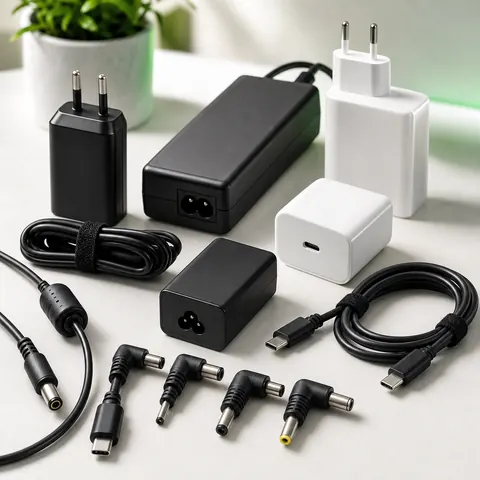
Your basket

Your cart is empty
Service client
Notre équipe est disponible
Assistant virtuel
Bonjour, comment puis-je vous aider aujourd'hui?
Aujourd'hui