

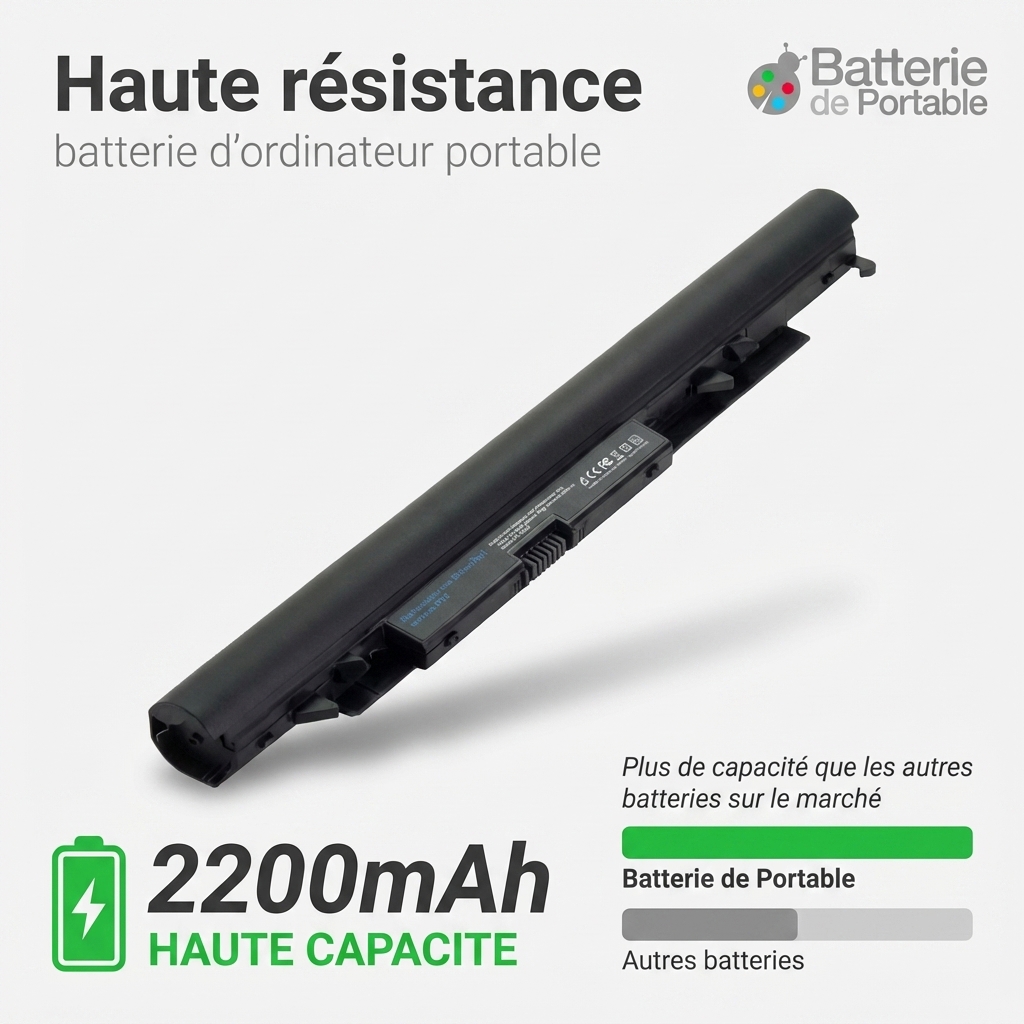
Pavilion 17z
- 2200 mAh
- 14,8 V
- Lithium-Ion
4 060 references for 19 brands. Choose the brand of your device, then its model.
 Bestsellers
The most ordered items
of the 25,80 €




No brands match. Try searching by model or contact us.
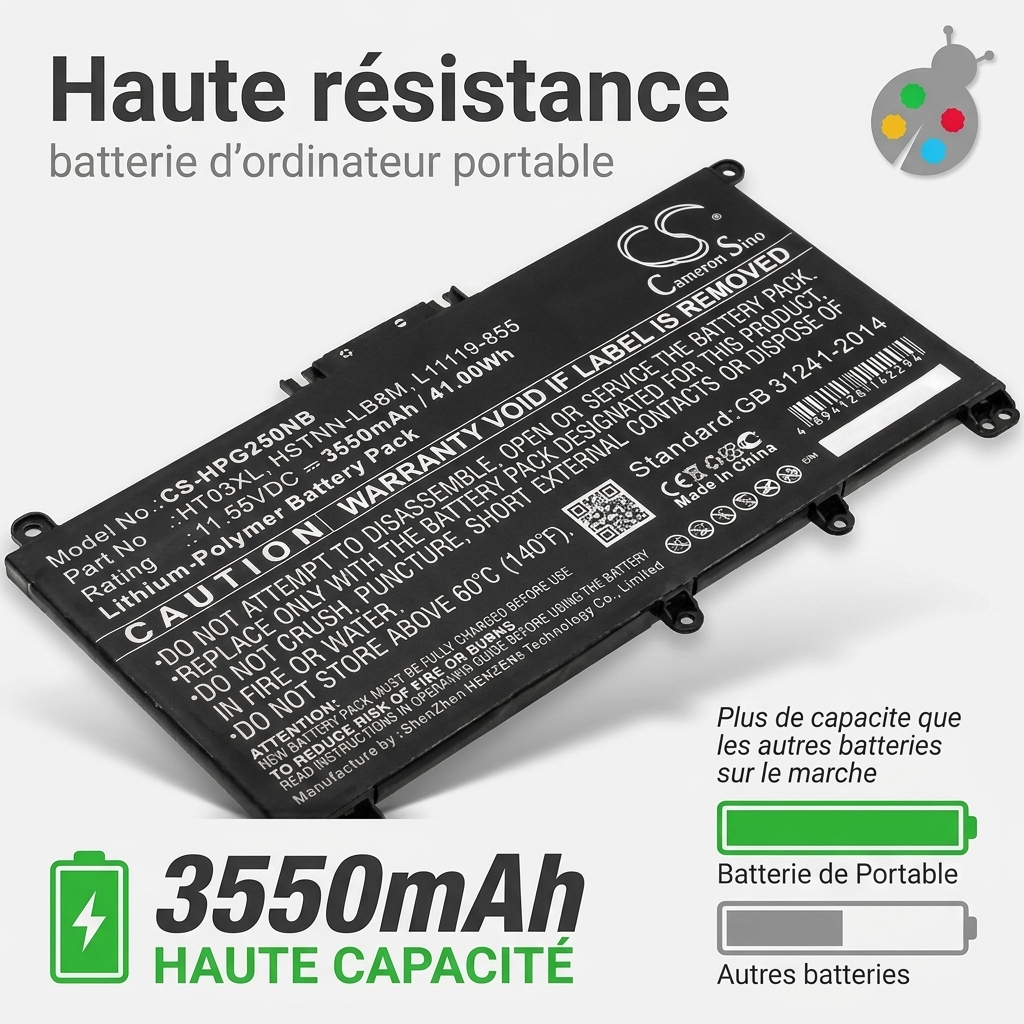
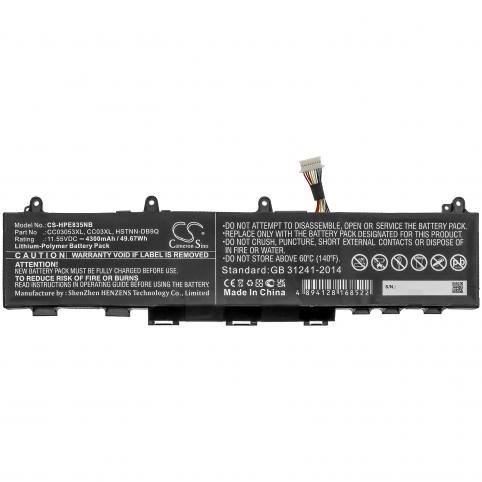
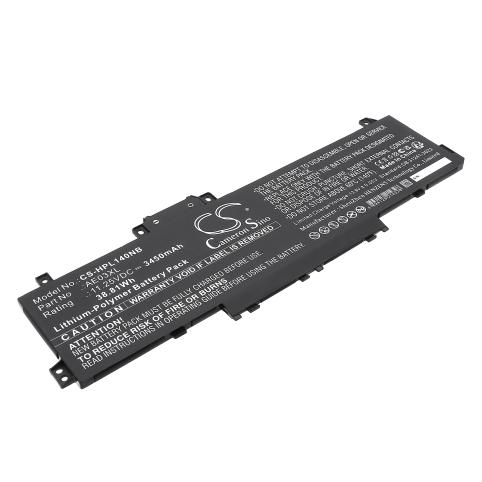
Remove your original battery and check the label: note the “HP Spare” number (for example 807957-001) or the battery type designation (such as HT03XL). These are the details you need to find a suitable replacement.
You can then enter this reference into the Batshop search bar to quickly identify the batteries designed for your HP laptop.
An internal HP battery can usually be replaced by yourself by removing the bottom cover of the laptop and undoing a few screws, even if it cannot be taken out with a simple clip.
If you are not comfortable with this kind of disassembly, we recommend contacting a professional to avoid any damage to the motherboard or to the ribbon cable connector.
You can choose a battery with a higher capacity (more mAh or Wh) as long as the voltage in volts is the same as on your original battery.
In that case, your HP laptop will work normally and you will simply benefit from longer battery life compared with the battery supplied when you bought it.
New HP laptop batteries sold on Batshop come with a 2-year warranty against part defects.
You also have 30 days to change your mind after receiving your order, with secure payment (CB, Apple Pay, Google Pay, PayPal) and tracked delivery via Colissimo, Chronopost or collection point.
The price of an HP battery depends on your laptop series, the exact reference (for example HT03XL or 807957-001), its capacity in mAh/Wh and the technology used.
To find the exact cost, simply enter the reference of your current battery or the full model of your laptop on Batshop to display the compatible options available.
Your HP laptop depends entirely on the health of its battery: as soon as the battery life drops or the charging becomes unstable, everyday comfort of use is affected. By understanding how your HP laptop battery is designed and knowing how to replace it correctly, you extend the life of your machine while maintaining its day-to-day performance.
Before buying a replacement battery for an HP laptop, it is essential to check a few technical details. An unsuitable battery can cause charging issues or premature wear, which is why it is so important to check the references.
Start by removing the old battery (when this is possible). All the necessary information is shown on its label:
If your laptop no longer charges, the battery indicator is stuck or the computer switches off as soon as it is unplugged, the battery is probably the cause. When repair is not an option, replacing it with a model suitable for your HP series remains the most reliable solution.
To restore comfortable battery life and protect your device, it is recommended to choose a battery whose specifications are similar to the original part. In particular, make sure to:
If you are unsure, carefully note down all the data written on your old battery as well as your HP laptop model (series, full reference), then enter them when searching on Batshop. This allows you to quickly find batteries that are suitable for your machine with no risk of error.
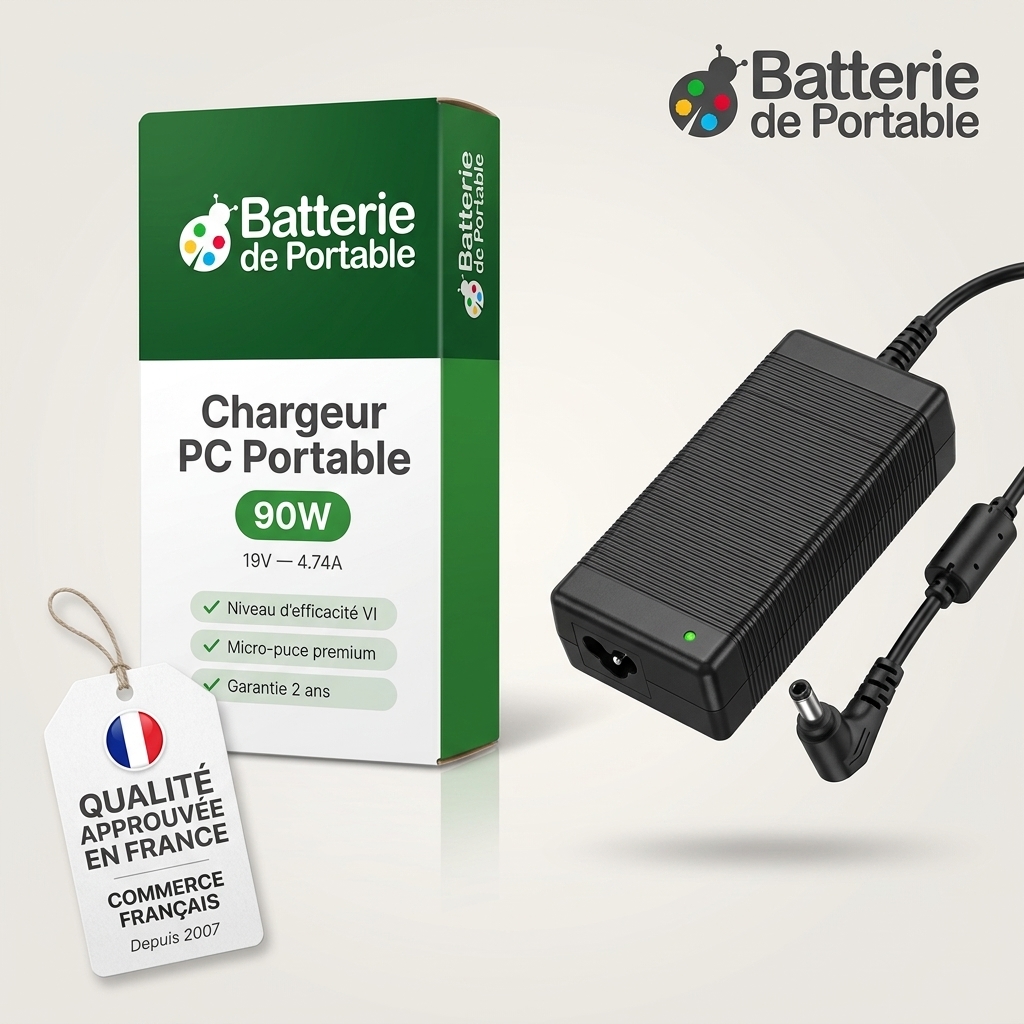
By choosing Batshop for your HP laptop battery, you benefit from a wide range of references for many models from the brand, with new parts covered by a 2-year guarantee. Each product page clearly details the technical specifications to help you check compatibility with your device.
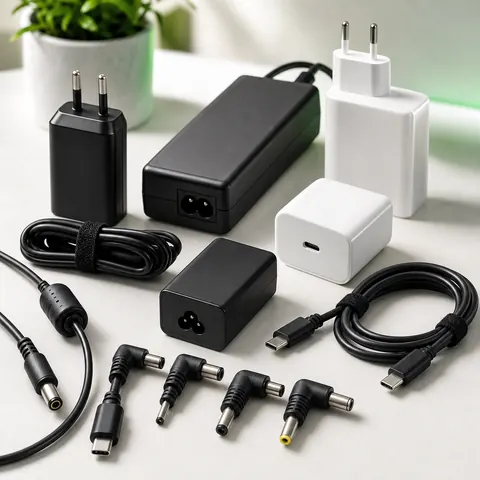
To guide you, our descriptions specify the voltage, capacity, connector type and the main compatible references. You can then easily compare these with the information shown on your old battery and select the right model for your HP laptop.
Once you have chosen your battery, you benefit from tracked delivery (Colissimo, Chronopost or collection point), secure payment (CB, Apple Pay, Google Pay, PayPal), a 2-year guarantee on new parts and 30 days to change your mind. You can then install the battery by following your computer’s instructions and the guidance provided in the user manual.

 Your basket
 EN
 Français
 Español
 Deutsch
 Italiano
 Nederlands