
Easynote le lm ls nm ns tk tm ts tsx
- 5200 mAh
- 10,8 V
- Lithium-Ion
52 references across 4 series. Choose the series of your device, then its model.
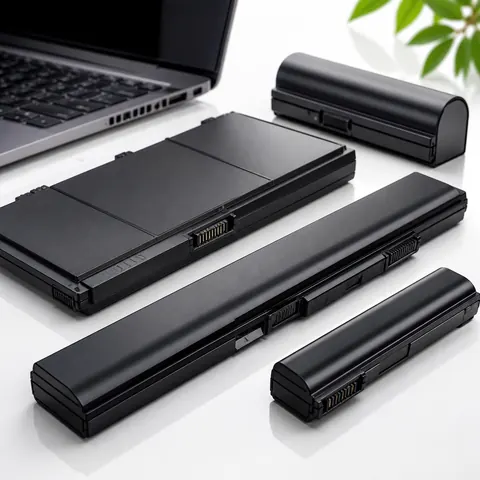 Bestsellers
The most ordered items
of the 25,80 €
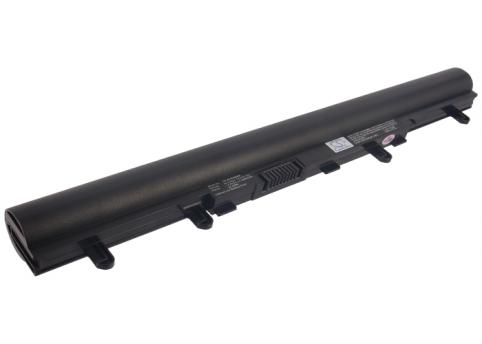
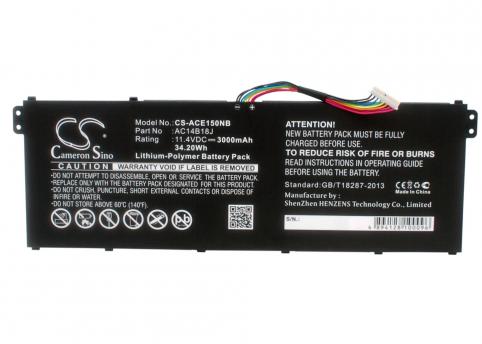

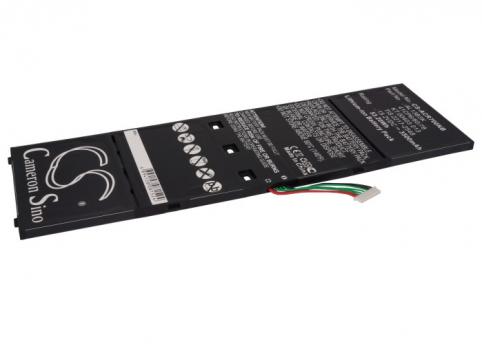
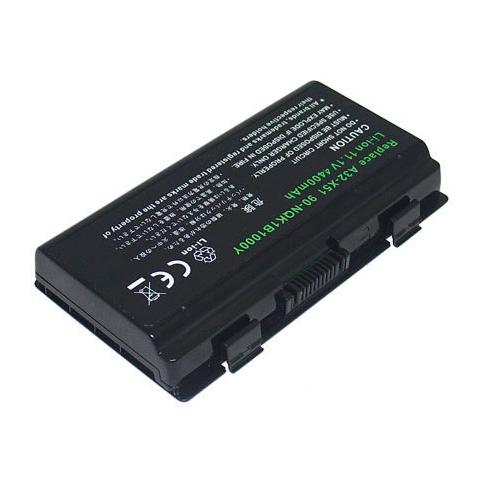
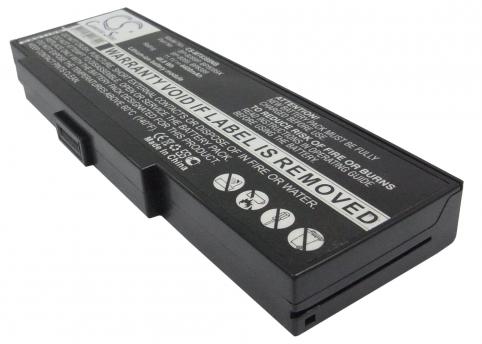
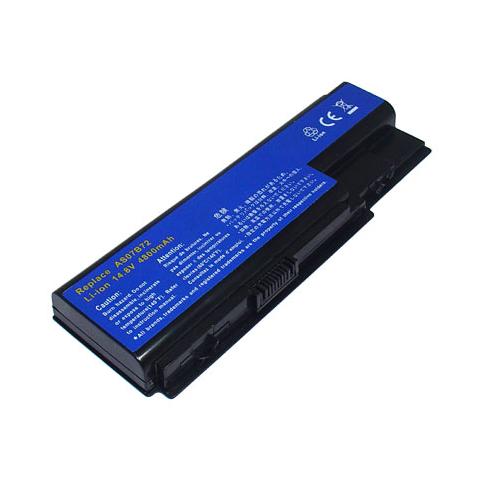
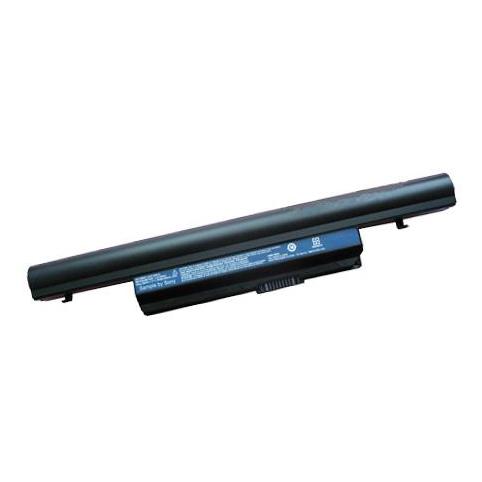
No series matches. Try searching by model or contact us.
To check compatibility, compare the reference on your original battery (for example AS10D31) with the one shown on our product page: if the P/N is identical or listed as equivalent, the battery will work with your Packard Bell, whether it’s an EasyNote, an iPower or another similar series. You can also check the voltage (V) and the connector shape, which must match your current model.
Our replacement batteries are designed to offer a real capacity equivalent to the original, and depending on the Packard Bell model, battery life may even be slightly improved. Actual run time will then depend on how you use your laptop (gaming, office work, Wi-Fi, screen brightness, etc.), but you will generally get a similar operating time to when your PC was new.
Replacing the battery in an older Packard Bell laptop is planned by the manufacturer and does not present any particular risk if the battery is suitable for your model. The built-in protection systems (against overheating or overvoltage) safeguard the motherboard and other components, provided you use a compliant charger and follow the usual usage guidelines.
You can use the battery as soon as it is installed, but to maximise its lifespan, we recommend fully charging it before the first session, then letting the level drop below 20 % before plugging it back in. All our new batteries come with a 2-year warranty, tracked delivery (Colissimo, Chronopost or collection point), secure payment (bank card, Apple Pay, Google Pay, PayPal) and 30 days to change your mind.
Over time, even original Packard Bell batteries eventually lose capacity. You need to recharge more often, the laptop shuts down suddenly or no longer works at all without the charger connected: all these situations are signs that it is time to fit a new battery compatible with your model.
On Batshop, you will find batteries suitable for many Packard Bell laptops, from the EasyNote series to the iGo ranges. Each product page lists the compatible references and the main technical specifications (voltage in volts, capacity in mAh or Wh, battery type) to help you choose a part that matches your machine exactly.
Several symptoms can alert you:
You can still ask a professional for a diagnosis, but once these signs appear, replacing the battery is generally the most effective solution.
On many recent Packard Bell models, the battery is no longer simply clipped in place: it is fixed inside the chassis. This means the laptop has to be opened using suitable screwdrivers.
Before any work, shut the laptop down completely, unplug the charger and disconnect any peripherals. Then turn the machine over, carefully remove the screws and lift off the casing without forcing it, taking care with the internal ribbon cables.
If your Packard Bell has a standard removable battery, the process is easier: in most cases you just need to unlock the latches and remove the battery pack.
Once the old battery has been removed, carefully note down the information on its label (voltage, capacity, type, references and compatible series). This data will be your guide for choosing a suitable replacement battery on Batshop.
Laptop batteries are considered consumables, just like ink cartridges: their lifespan is limited and strongly depends on how they are used. The manufacturer’s warranty mainly covers manufacturing defects, especially when the laptop is new and the battery shows an abnormal fault.
Alongside warranties offered by manufacturers such as Packard Bell, Batshop provides a 2-year warranty on new parts, with 30 days to change your mind, secure payment (CB, Apple Pay, Google Pay, PayPal) and tracked delivery via Colissimo, Chronopost or to a collection point.
In general, damage caused by normal wear and tear, misuse, impact, contact with liquids, modification of the device, or products whose serial number is missing or illegible is not covered.
Once your new battery is installed, a few simple habits can help preserve its capacity:
By taking these precautions, you will extend the lifespan of your Packard Bell battery and enjoy comfortable battery life for longer in everyday use.

 Your basket
 EN
 Français
 Español
 Deutsch
 Italiano
 Nederlands