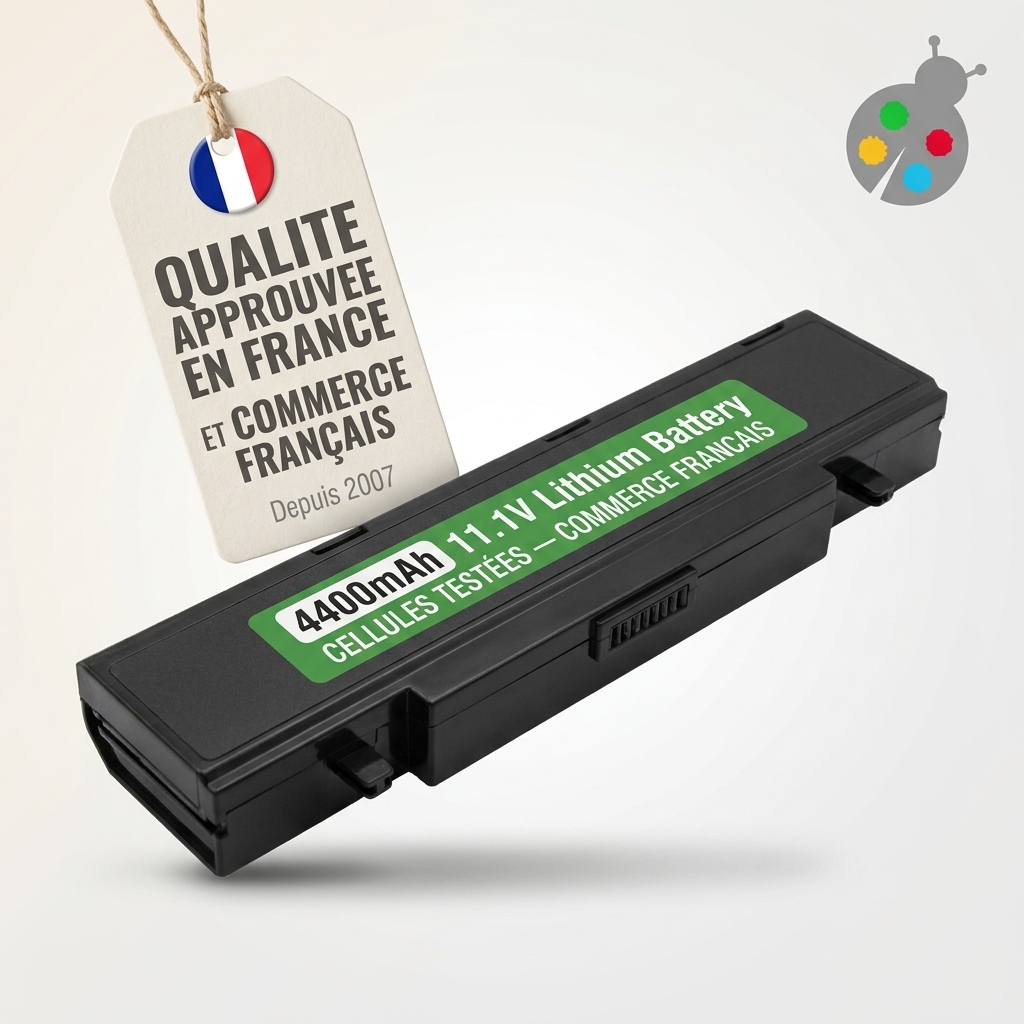
Battery for samsung r730
- 4400 mAh
- 11,1 V
- Lithium-Ion

If your Samsung laptop shuts down without warning, runs out of charge very quickly or has to stay plugged in all the time, simply changing the battery often significantly extends its lifespan without having to invest in a new device. You get back comfortable mobile use while reducing electronic waste and keeping a machine you already know well.
The price mainly depends on the series and model of your laptop (for example Series 9, Galaxy Book, Ativ Book, etc.), as well as the type of original battery. In most cases, buying a replacement battery is far more economical than replacing the whole laptop or paying for major repairs, while still restoring decent battery life.
To find the reference, check the label on the underside of your laptop or, if possible, on the battery itself after removing it: you will see a code under “Model Name” (for example AA-PB9NC6B). You can also use the exact name of your Samsung laptop model to find a compatible battery.
Yes, in many cases you can replace it yourself by following a few basic precautions. On older models with a removable battery, you generally just need to unlock the latches and clip the new one in; on slimmer models with an internal battery, the job requires opening the case with the right screwdriver and carefully dismantling the chassis.
No, your data is not stored in the battery but on your computer’s hard drive or SSD. Changing the battery does not delete your documents, photos or software: after the replacement, you will find your system exactly as it was, just with a new power source.
Over time, the battery life of a Samsung laptop decreases: the battery runs down more quickly, the laptop may switch off suddenly or no longer works unless it is plugged in. When power-saving settings or calibrations are no longer enough, replacing the battery becomes the most reliable solution to restore comfortable everyday use of your device.
On Batshop, you can choose a battery compatible with your Samsung laptop based on several concrete elements: the reference of the original battery, the exact model of the laptop, and the voltage (V) and capacity (mAh) shown on the old battery. The goal is simple: to restore stable operation, without any risk to your equipment.
Before ordering, start by identifying precisely the battery installed in your laptop:
This information is essential for finding a truly suitable replacement battery. The voltage must be identical to the original one and the battery must be compatible with the electrical design of your Samsung laptop. Also check that it matches the output of your charger in order to reduce the risk of overcharging or recurring malfunctions.
On every Batshop product page, you can clearly see the voltage and capacity of the battery, along with the main compatible Samsung battery references and laptop series. This makes it easy to confirm the match with your model. Fitting tips are also provided to help you carry out the installation yourself if you wish.
For Samsung laptops with a removable battery, replacement is usually straightforward: you remove the old battery, insert the new one following the orientation of the connectors, then perform an initial full charge. On some recent models, the battery is built into the chassis; in this case, the work involves opening the laptop. If you are not comfortable with this, you can entrust the fitting to a computer repair technician.
When you contact Batshop customer service, remember to provide as much information as possible about your laptop: the range and exact reference of your Samsung computer, the model number shown on the underside of the device, and the details visible on the battery label (voltage, capacity, reference). This makes it easier to find the right replacement part and reduces the risk of compatibility errors.
Batshop specialises in replacement batteries and chargers for many brands, including Samsung laptops. The new parts supplied meet the technical specifications required for your device to work properly and are selected to provide reliable charging over time.
For your order, you benefit from tracked delivery (Colissimo, Chronopost or collection point), secure payment (CB, Apple Pay, Google Pay, PayPal), a 2-year warranty on new parts and 30 days to change your mind. Everything you need to replace the battery of your Samsung laptop in the best conditions, with clear information and appropriate support.
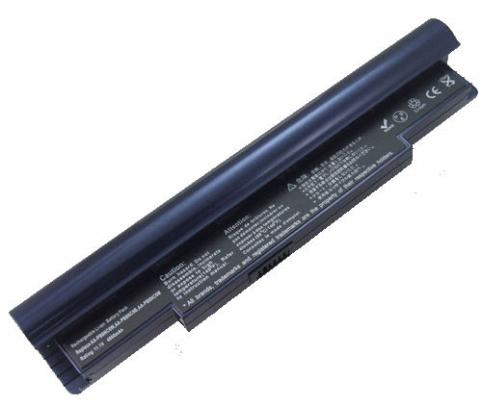
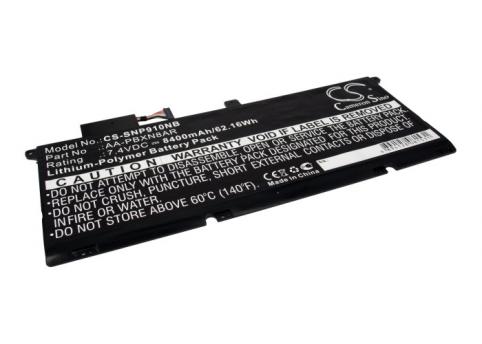
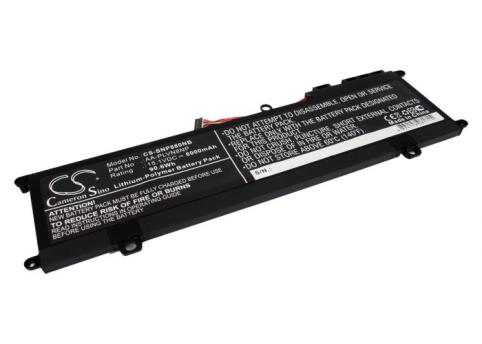
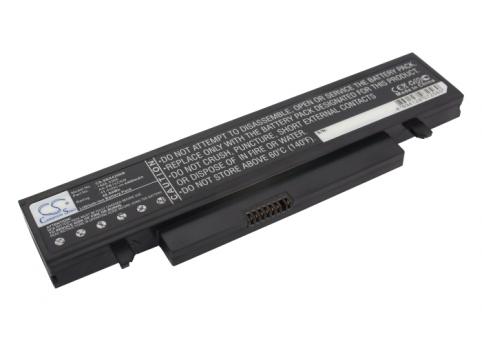
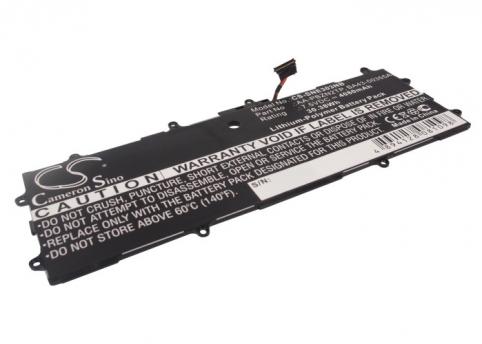
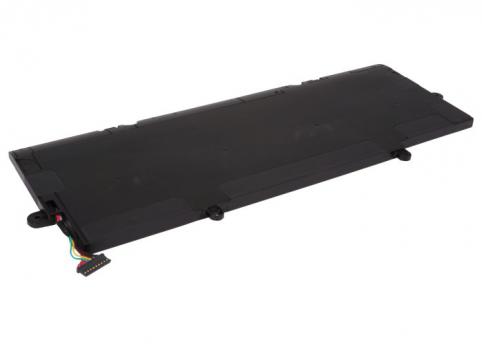
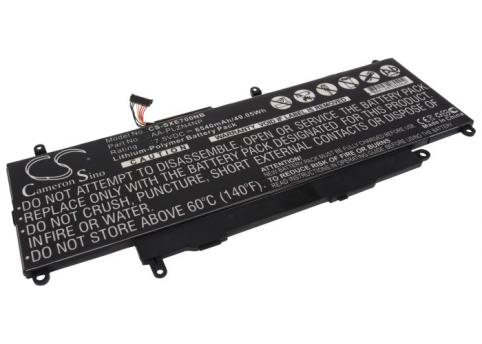
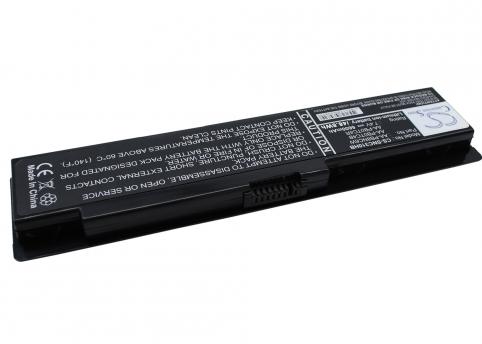
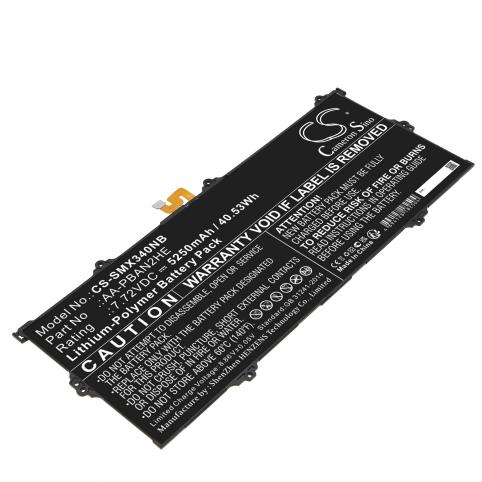
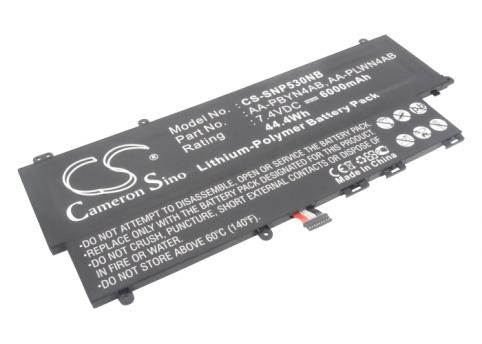
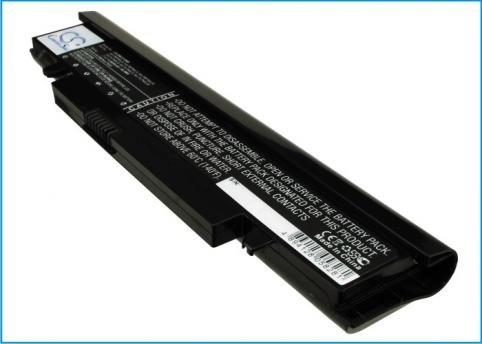
For a samsung laptop, The price ranges from €22.9 to €244.9 depending on capacity, voltage and model availability.

 Your basket
 EN
 Français
 Español
 Deutsch
 Italiano
 Nederlands