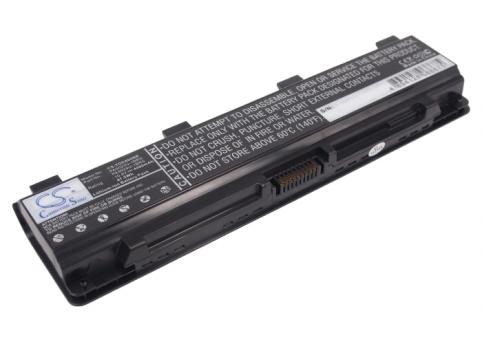
Battery for toshiba satellite c55 a 1n3
- 4400 mAh
- 10,8 V
- Lithium-Ion

Your Toshiba Satellite laptop is lasting less and less time away from the mains, suddenly shutting down or sometimes refusing to start up on battery power? The battery is probably reaching the end of its life. On Batshop, you’ll find replacement batteries designed for the various models in the Toshiba Satellite range, so you can get back to comfortable battery life without changing your laptop.
To choose a compatible model, find the exact reference shown on your old battery (for example PA3817U, PA3634U, PA5024U, etc.) or in the information for your Toshiba Satellite laptop. Then compare the voltage (in volts – V) and the capacity (in mAh or Wh): these values must match the original ones or be very close. A capacity that is the same or higher generally lets you enjoy a longer runtime between charges, while still being suitable for your machine.
Batshop offers you brand new batteries for Toshiba Satellite laptops with tracked delivery (Colissimo, Chronopost or collection point), secure payment (bank card, Apple Pay, Google Pay, PayPal), 2‑year warranty on new parts and 30 days to change your mind.
+Before ordering, check a few key points to be sure you pick the right battery for your Toshiba Satellite laptop:
By following these points, you simply replace your old battery with a new one, with no changes or special settings required. Installation usually involves removing the worn battery (by unlocking the dedicated latches) and then inserting the new one until it clicks into place.
Once your Toshiba Satellite battery has been replaced, a few habits will help you keep good performance over time:
A battery in good condition helps you extend the use of your Toshiba Satellite without investing in a new laptop. It’s both a cost‑effective choice and a useful step towards reducing electronic waste: by keeping a working device for longer and only replacing wear parts such as the battery, you limit the environmental impact linked to manufacturing a new laptop.
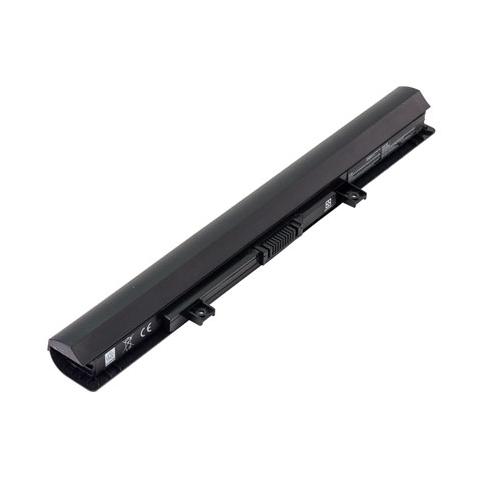

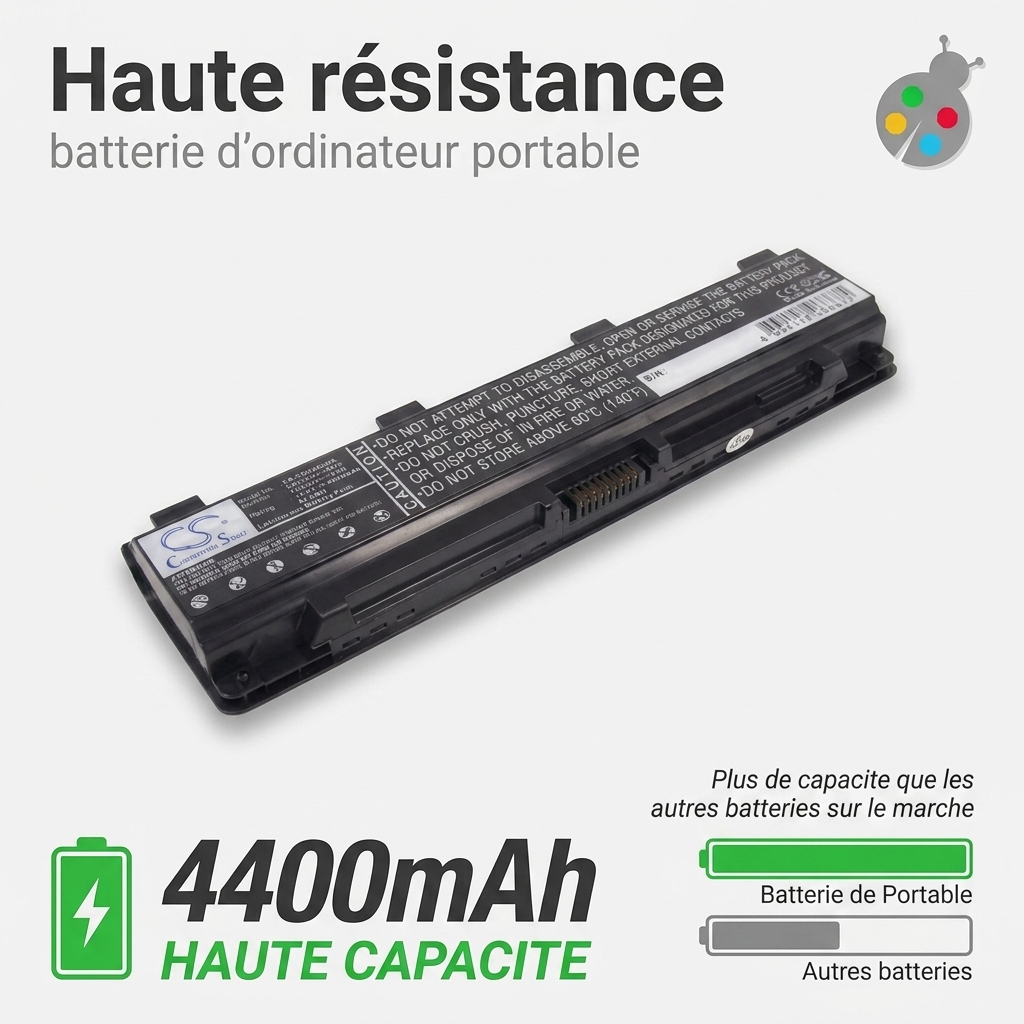
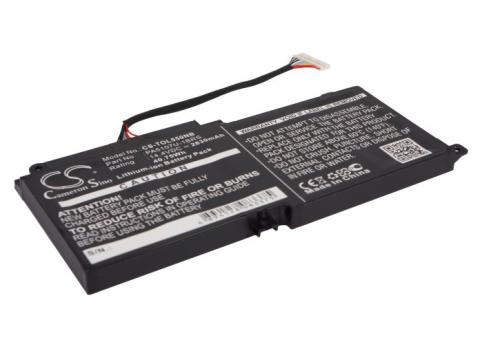
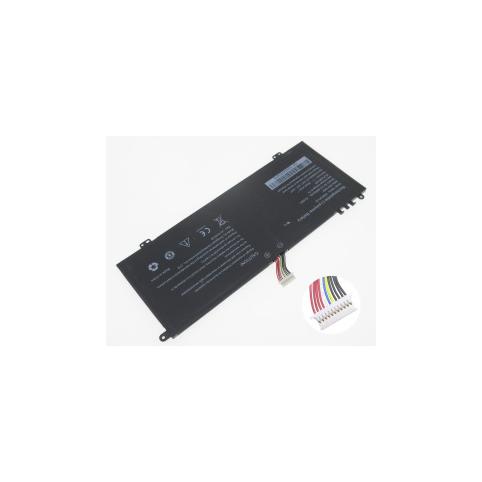
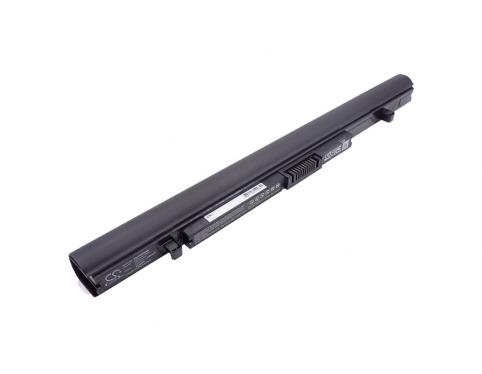
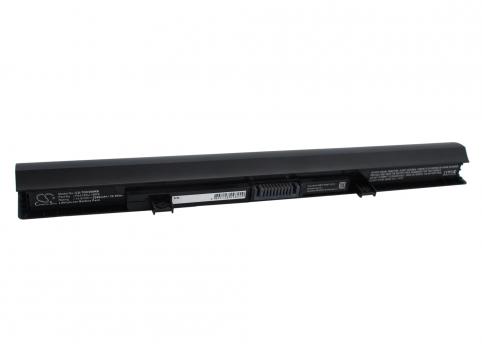

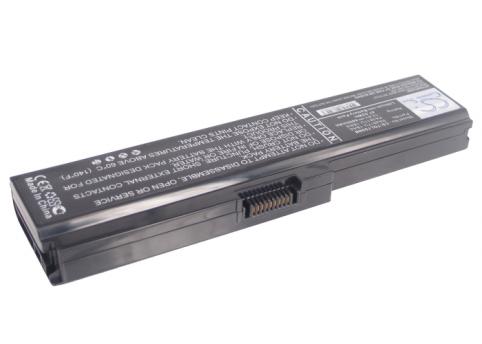
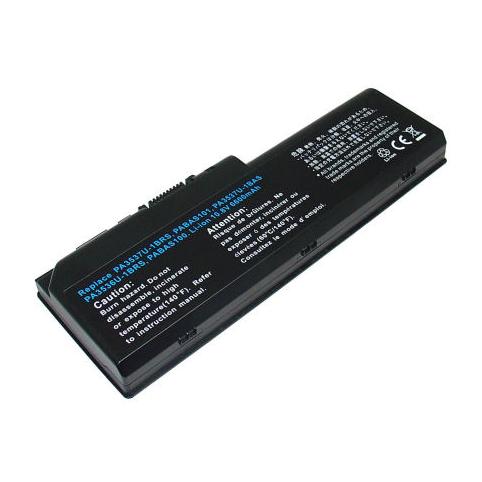
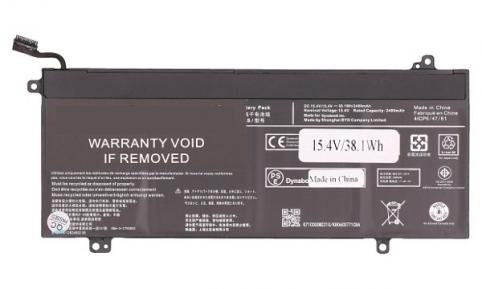
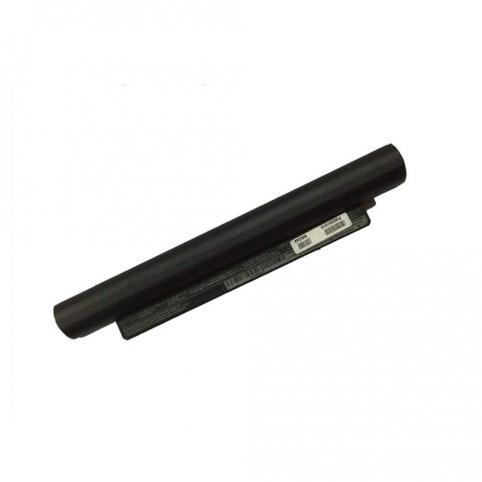
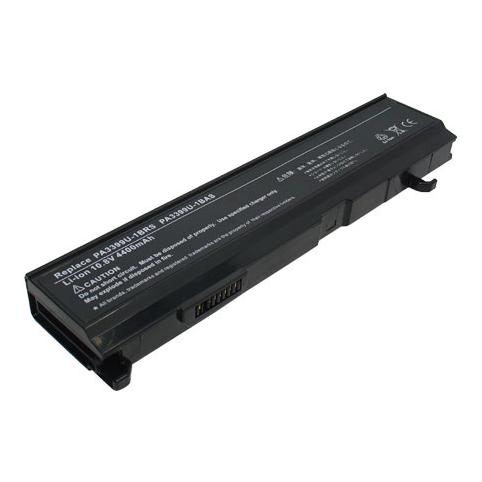

For a toshiba satellite laptop, The price ranges from €25.8 to €144.9 depending on capacity, voltage and model availability.

 Your basket
 EN
 Français
 Español
 Deutsch
 Italiano
 Nederlands