Find the right part for your appliance at batshop
Home > Battery > Tablet
Batteries

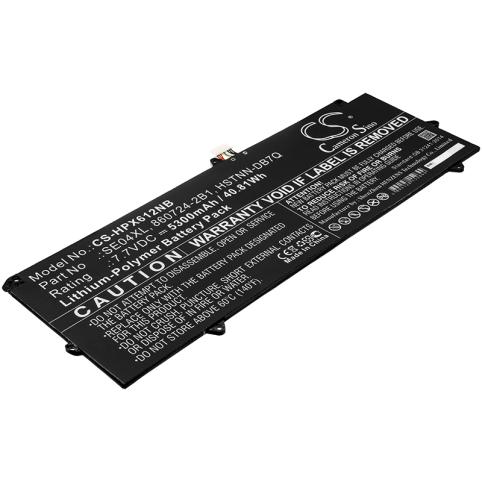
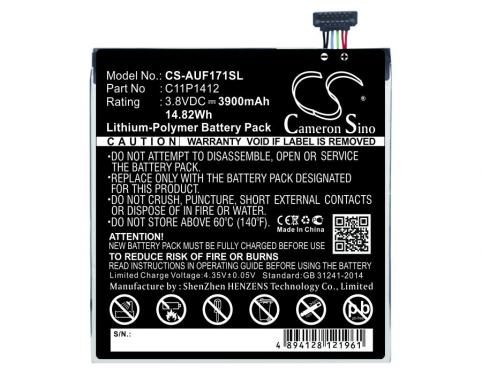
Compatible batteries for tablet

580 references for 27 brands. Choose the brand of your device, then its model.
Bestsellers The most ordered items of the 19,90 €
Order with peace of mind
  • 2-year warranty
  • 30 days to change your mind
  • Secure payment

Popular brands

The 27 brands

Bestsellers · Tablet

See brands
N°1
N°2
N°3

All brands

Complete your equipment

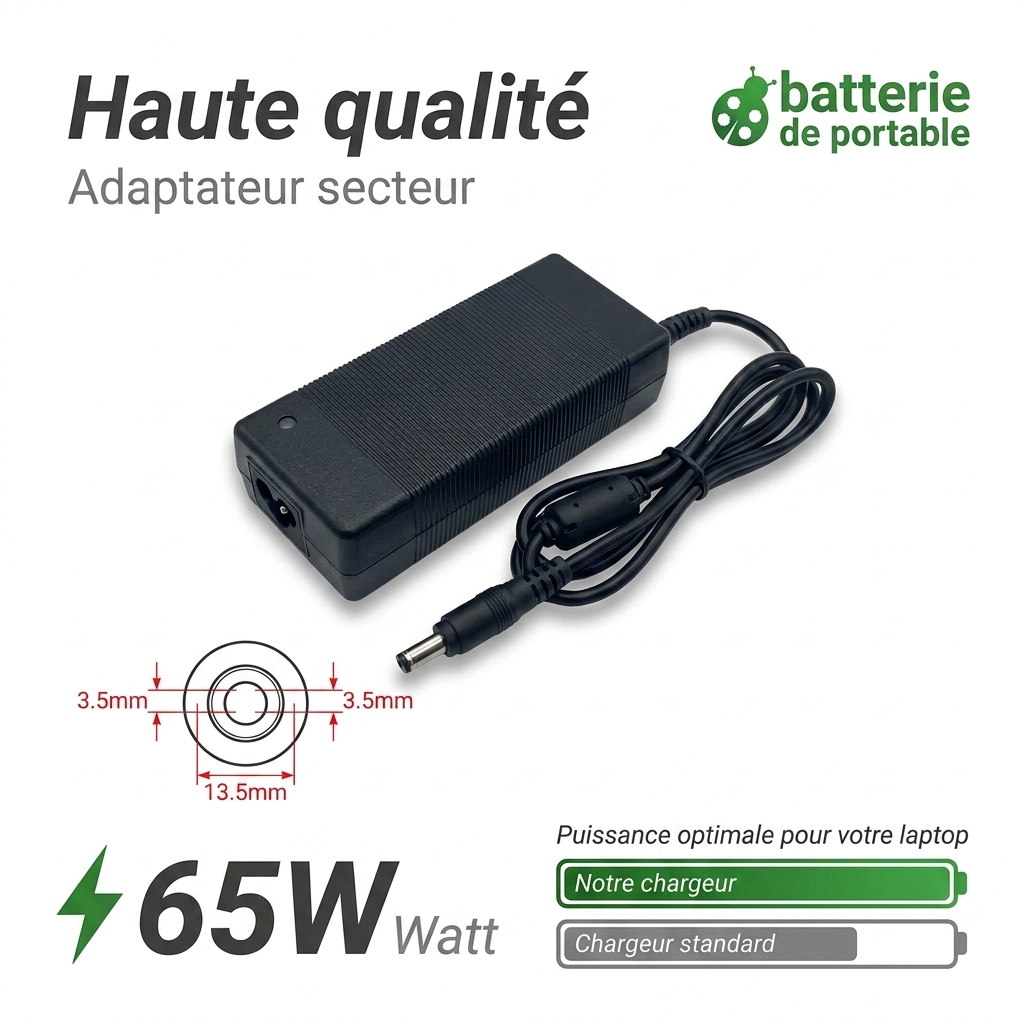
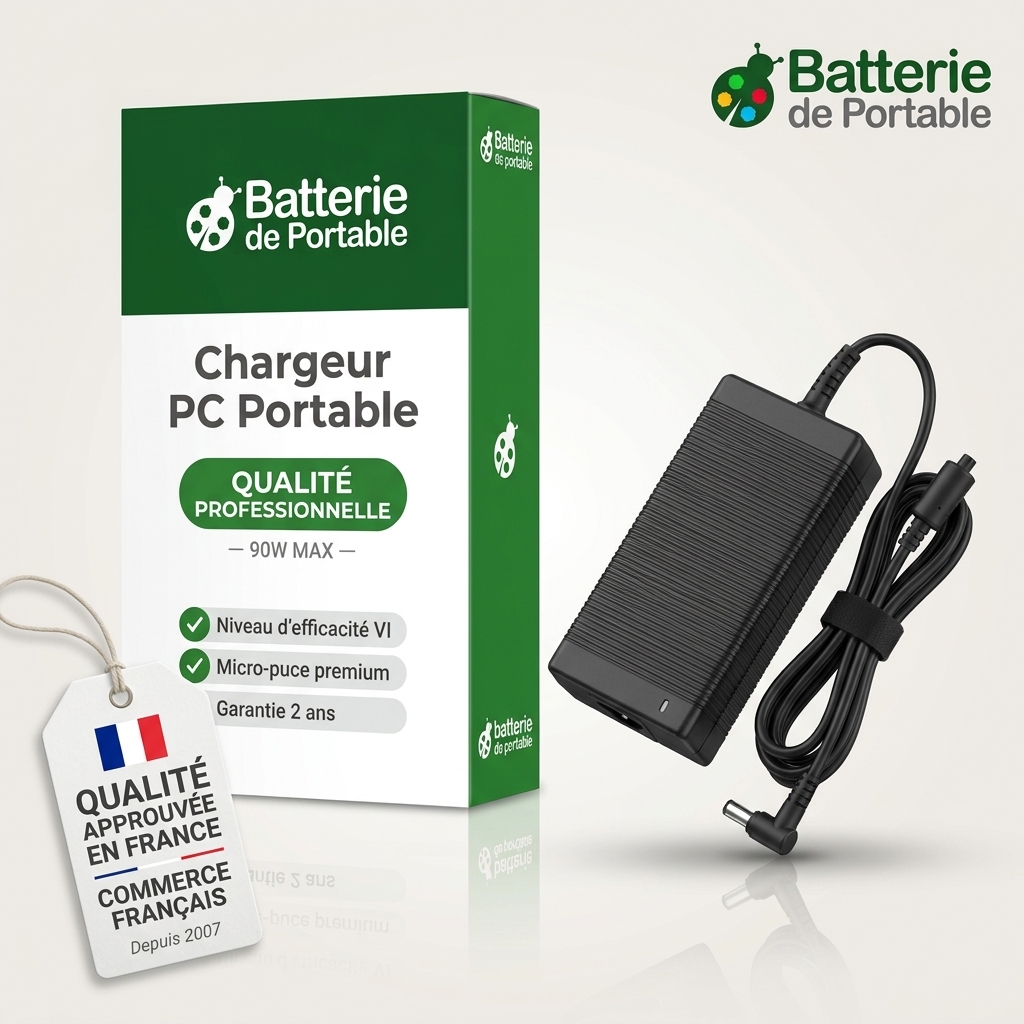
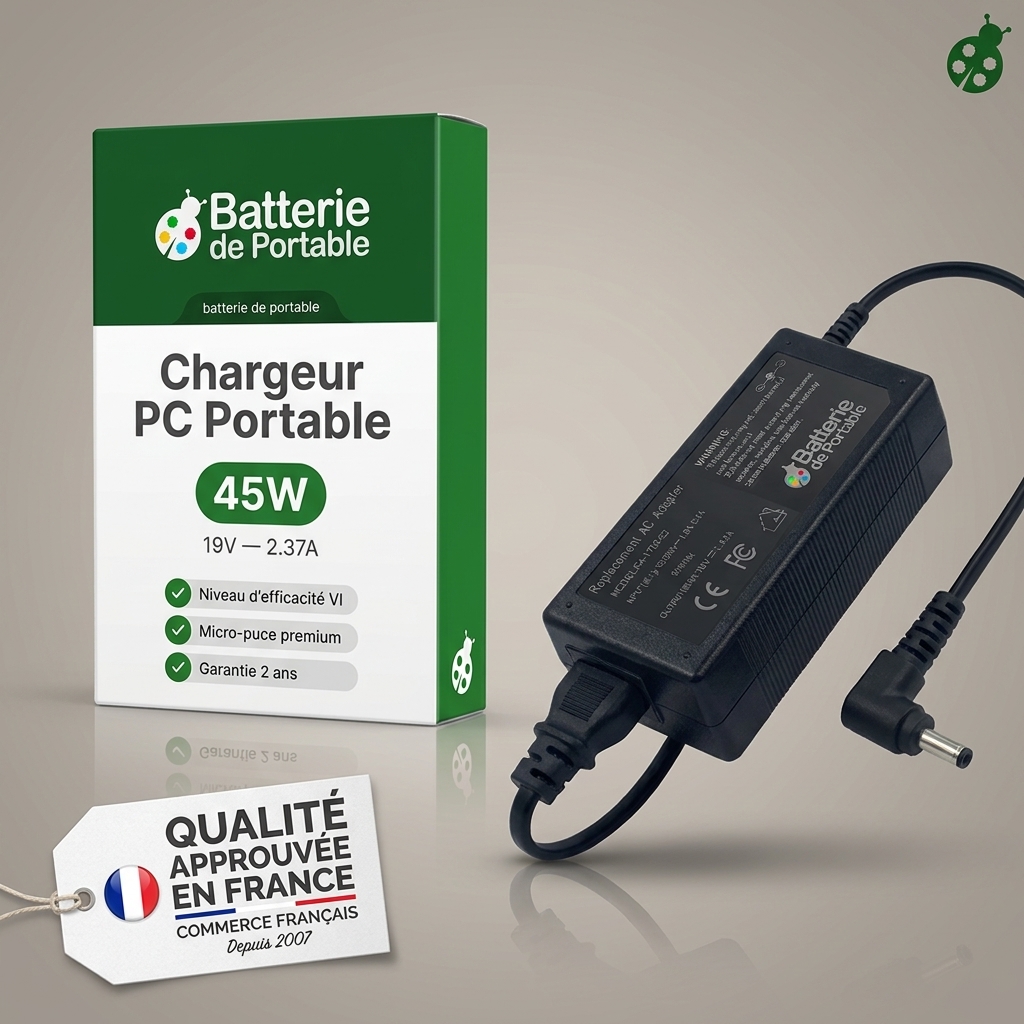
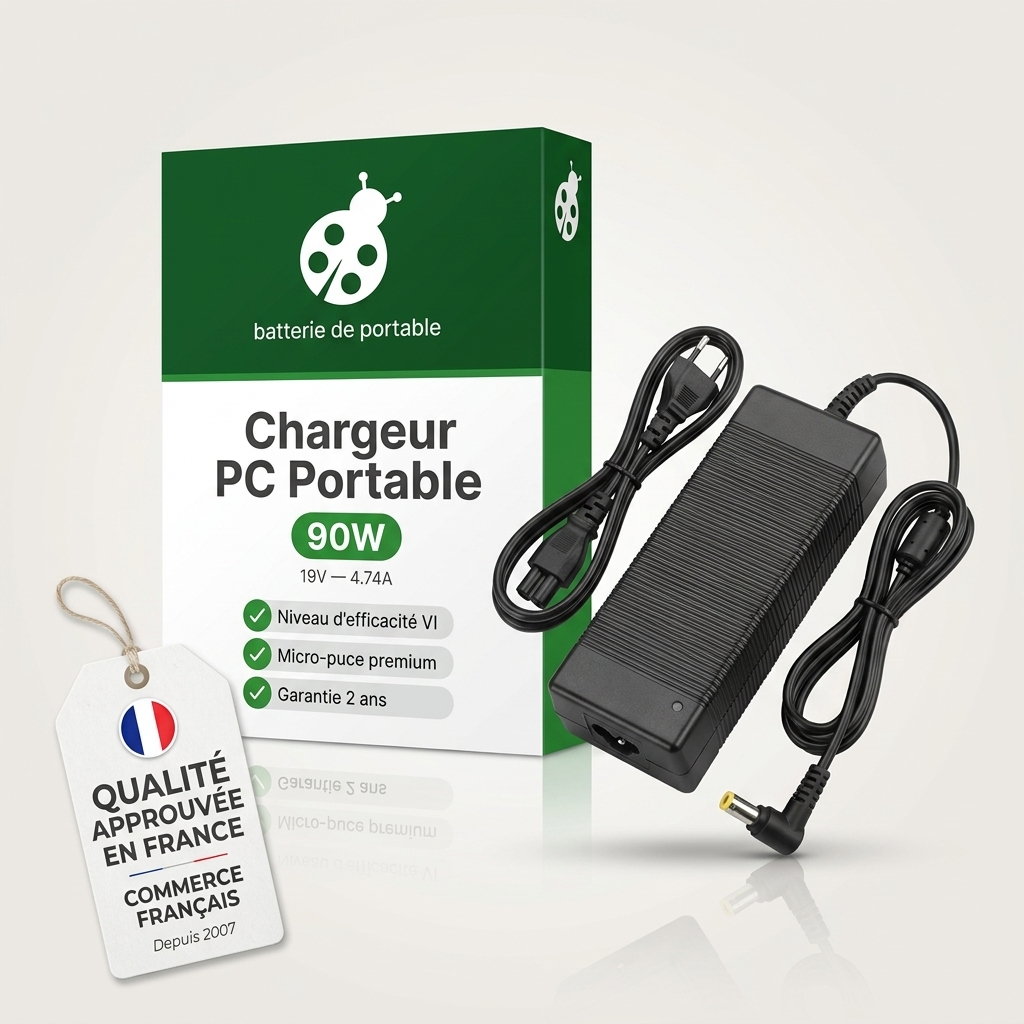
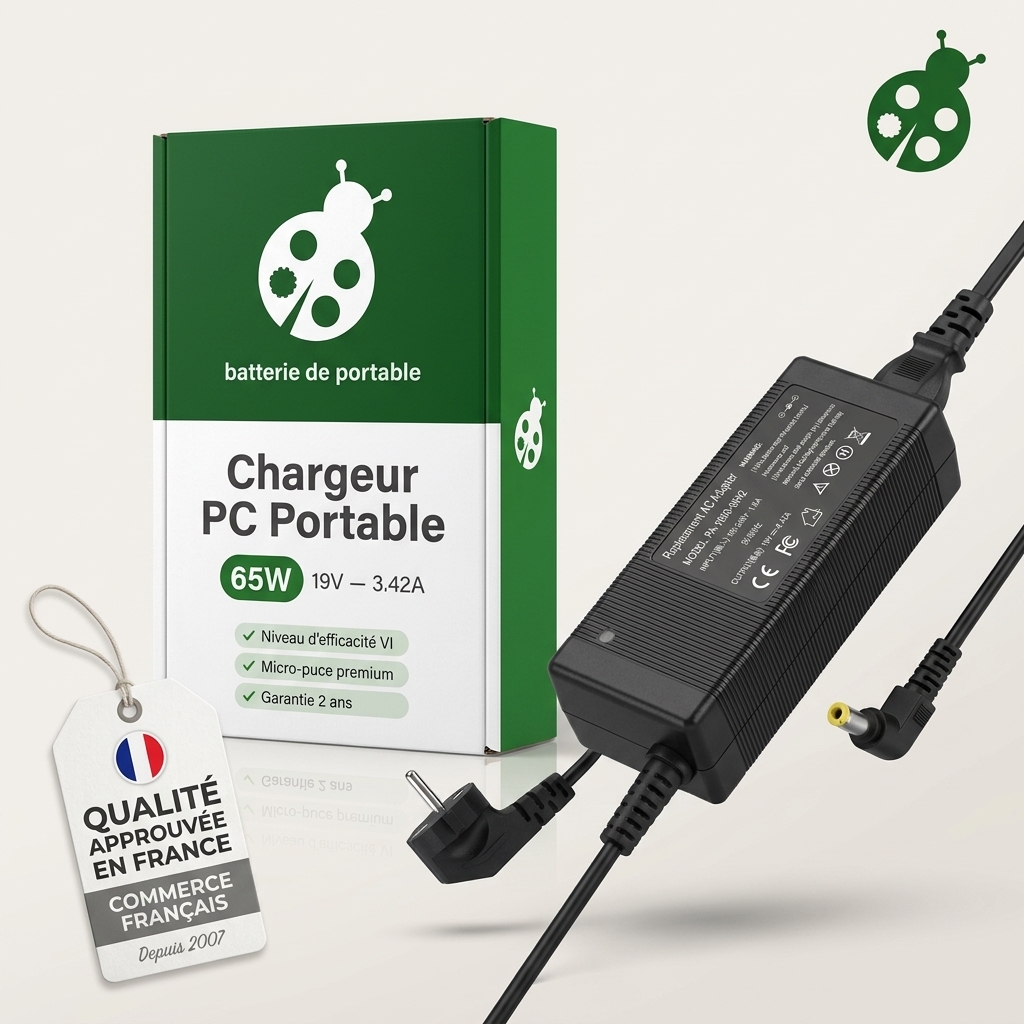
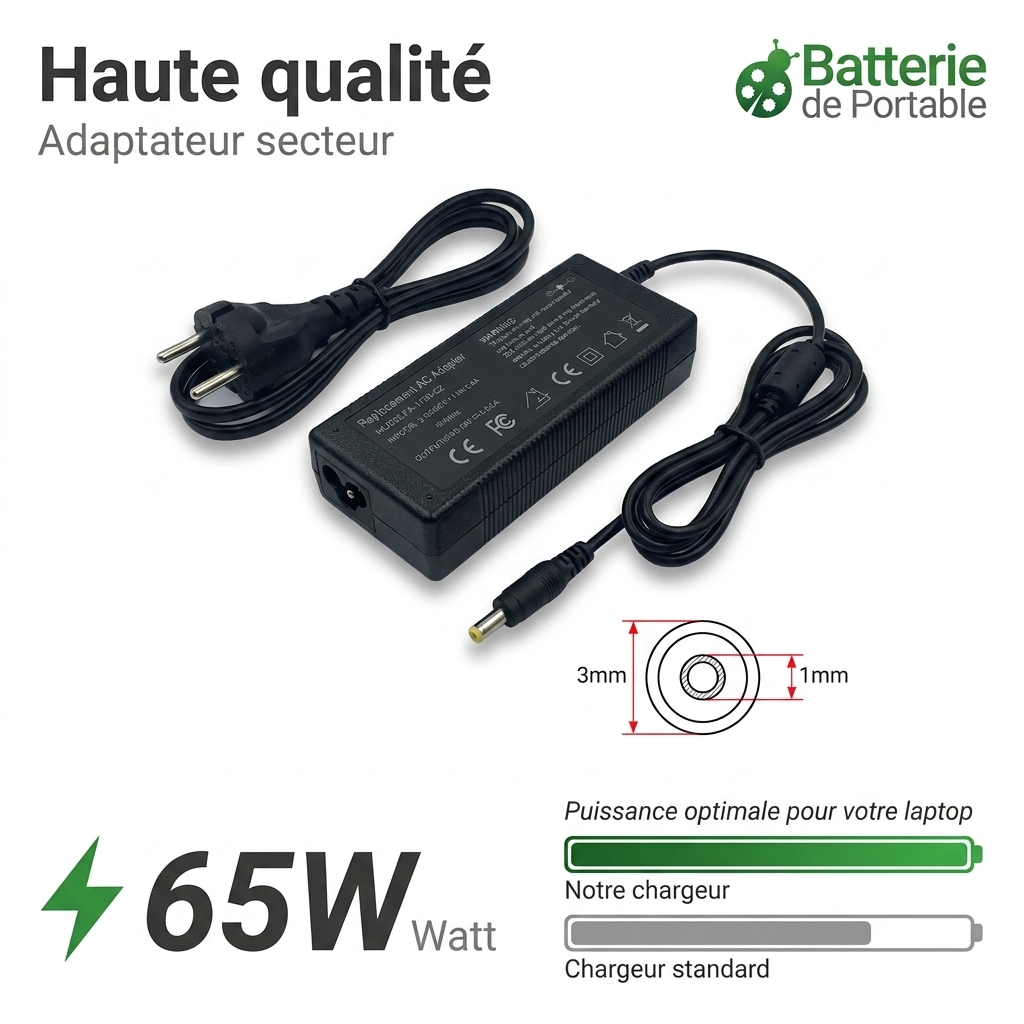
Best selling adapters

See all
N°1
N°2
N°3
  • Tracked deliveryColissimo, Chronopost or collection point
  • Secure paymentCredit card, Apple Pay, Google Pay, PayPal
  • 2-year warrantyOn all new parts
  • 30 daysto change my mind

Bien choisir votre Battery · Tablet

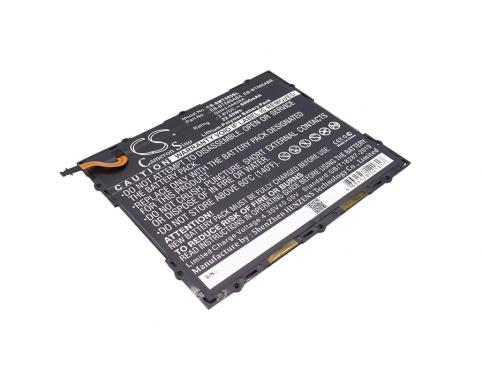
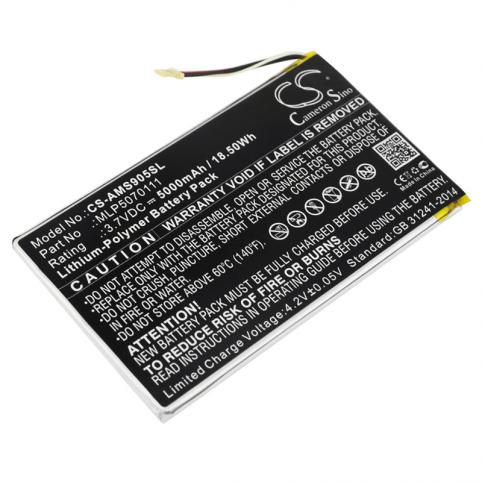
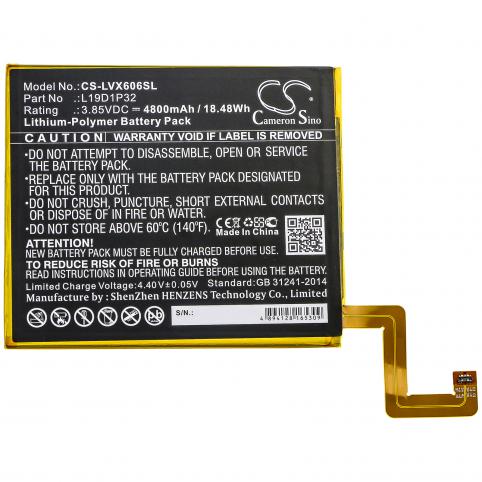
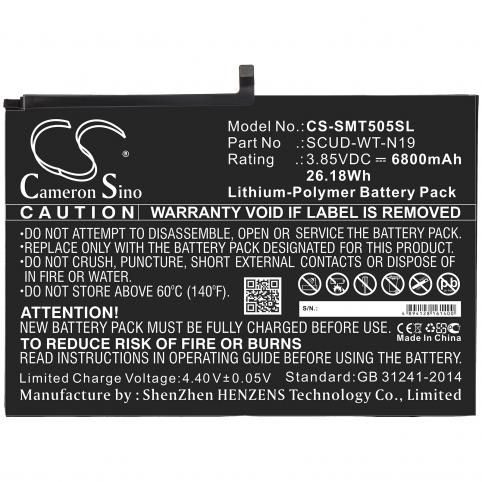
Over time and with repeated use, tablet batteries wear out. Is your tablet running out of power faster, taking a long time to recharge, or suddenly switching off? In many cases, a simple battery replacement is enough to restore decent battery life. On Batshop, you’ll find batteries for many touchscreen tablets: Apple (iPad), Samsung Galaxy Tab, Huawei, ZTE, Toshiba, Dell, Sony, HTC, Acer, Archos and many more. Each model is selected to match the original voltage and capacity of your device, in order to maintain its performance and safety. Choosing a new battery involves a few simple checks: tablet reference, connector type, voltage (V) and capacity (mAh) printed on the old battery. Once you’ve noted this information, it becomes easy to identify a compatible part. Batshop offers brand-new parts with a 2-year warranty, tracked delivery (Colissimo, Chronopost or collection point), secure payment (bank card, Apple Pay, Google Pay, PayPal) and 30 days to change your mind.
Read more

Checking the health of your tablet battery

Before replacing the battery, it can be useful to check its condition. On Android, this information is not always directly available in the settings, but dedicated apps can help. Tools such as Accubattery, BatteryBar, BatteryCare or BatteryMon give you information on:

  • the estimated remaining capacity of the battery,
  • the charging and discharging speed,
  • average power consumption based on your usage (video, music, gaming, browsing, etc.),
  • overall battery wear over time.

This information helps you assess whether the loss of battery life is normal (older battery) or whether a replacement is becoming necessary.

On some devices, wear can also be seen physically: an ageing battery can start to swell. In extreme cases, the back of the tablet or the screen begins to bulge. If you place the tablet on a flat surface and it “wobbles” or spins easily when you rotate it, this may be the sign of early swelling. In this case, it is recommended that you stop using the device and plan to replace the battery as soon as possible.

When should you consider replacing the battery?

All lithium-ion batteries used in tablets and smartphones gradually lose capacity. At first, battery life matches the value announced by the manufacturer, then decreases month after month. Several signs indicate that it’s time to fit a new battery:

  • the tablet lasts significantly less time than when you bought it, for the same usage;
  • the battery percentage drops quickly as soon as you start a video or a game;
  • the device switches off even though there still seems to be some battery charge left on screen;
  • charging is getting slower and slower or stops for no apparent reason.

If, for example, you notice that the actual battery life has halved compared with when you first started using the tablet, the battery has probably lost a large part of its original capacity and replacing it becomes a sensible option.

Choosing the right battery for your tablet

Tablets include a specific charging circuit designed to work with a very particular type of battery. To stay within a safe operating range and avoid compatibility issues, it is essential to stick to the original specifications. The main points to check are:

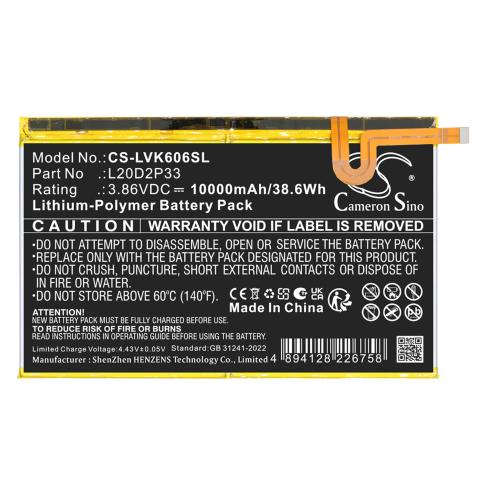
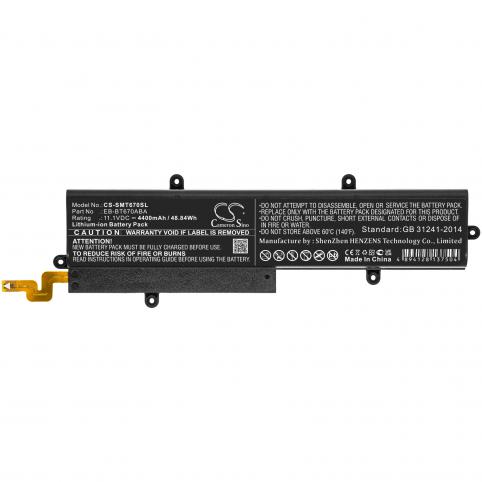
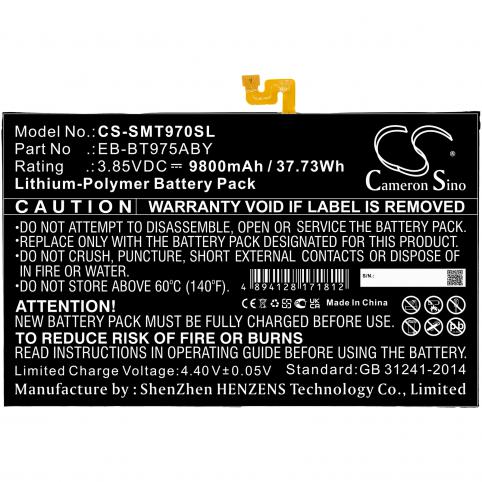
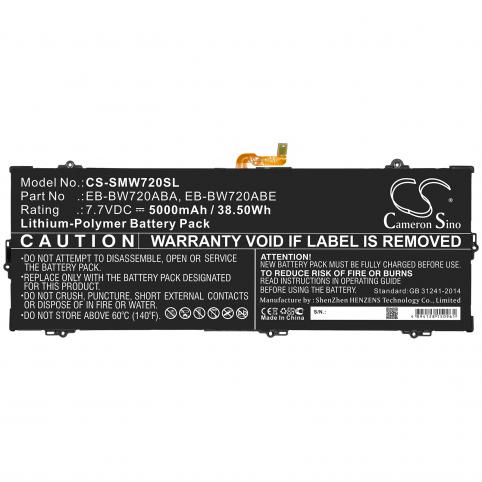
  • Capacity (mAh): this is printed on the old battery and varies from one model to another. A suitable capacity guarantees battery life that matches what the tablet is designed to handle.
  • Battery technology: lead, nickel or lithium. Tablets generally use lithium-ion or lithium-polymer batteries. Each technology requires its own charging profile; mixing battery type and an unsuitable charger can result in incomplete charging or accelerated wear.
  • Nominal voltage (V): this is the reference value of the battery. A lithium-ion battery has an open-circuit voltage around 5 to 7% higher when fully charged, but it is the nominal voltage printed on the label that you must check and respect.
  • Connector and shape: connector position, number of wires, battery dimensions. A battery must fit correctly into the compartment provided by the manufacturer.

By using the information from the old battery (capacity, voltage, type, connector), you can quickly find a compatible model for your Apple, Samsung, Huawei, ZTE, Toshiba, Dell, Sony, HTC, Acer, Archos tablet, and more.

How to look after your tablet battery

There are many myths about the best way to look after batteries. Modern batteries, mainly lithium-ion, are not managed in the same way as older technologies. A few simple habits will help preserve their lifespan:

  • Avoid fully discharging the battery: regularly going down to 0% can, in some cases, make recharging difficult. It’s better to plug the tablet back in before the battery is completely empty.
  • Limit exposure to heat: high temperatures are among the main factors that speed up battery wear. Avoid leaving your tablet in the sun, on a radiator or in a hot car.
  • Beware of very fast charging with unsuitable chargers: some cheap chargers can cause the battery to heat up significantly. Slower charging with a compatible charger is gentler on the battery.
  • Unplug once the battery is charged enough: leaving the tablet plugged in for hours for no reason can make the battery warm. Ideally, unplug it once it has reached the desired charge level.

Your tablet battery from Batshop

Replacing the battery is often the best way to extend the life of a tablet whose battery life has dropped. Batshop provides a wide range of batteries for touchscreen tablets from major brands (Apple, Samsung, Huawei, HTC, Acer, Archos, ZTE, Toshiba, Dell, Sony, etc.), so you can enjoy using your device comfortably again.

By carefully checking your tablet model and the specifications of the original battery (voltage, capacity, technology, connector), you can choose a brand-new compatible part and get back to reliable battery life.

Your basket

Your cart is empty
Service client
Notre équipe est disponible
Assistant virtuel
Bonjour, comment puis-je vous aider aujourd'hui?
Aujourd'hui