
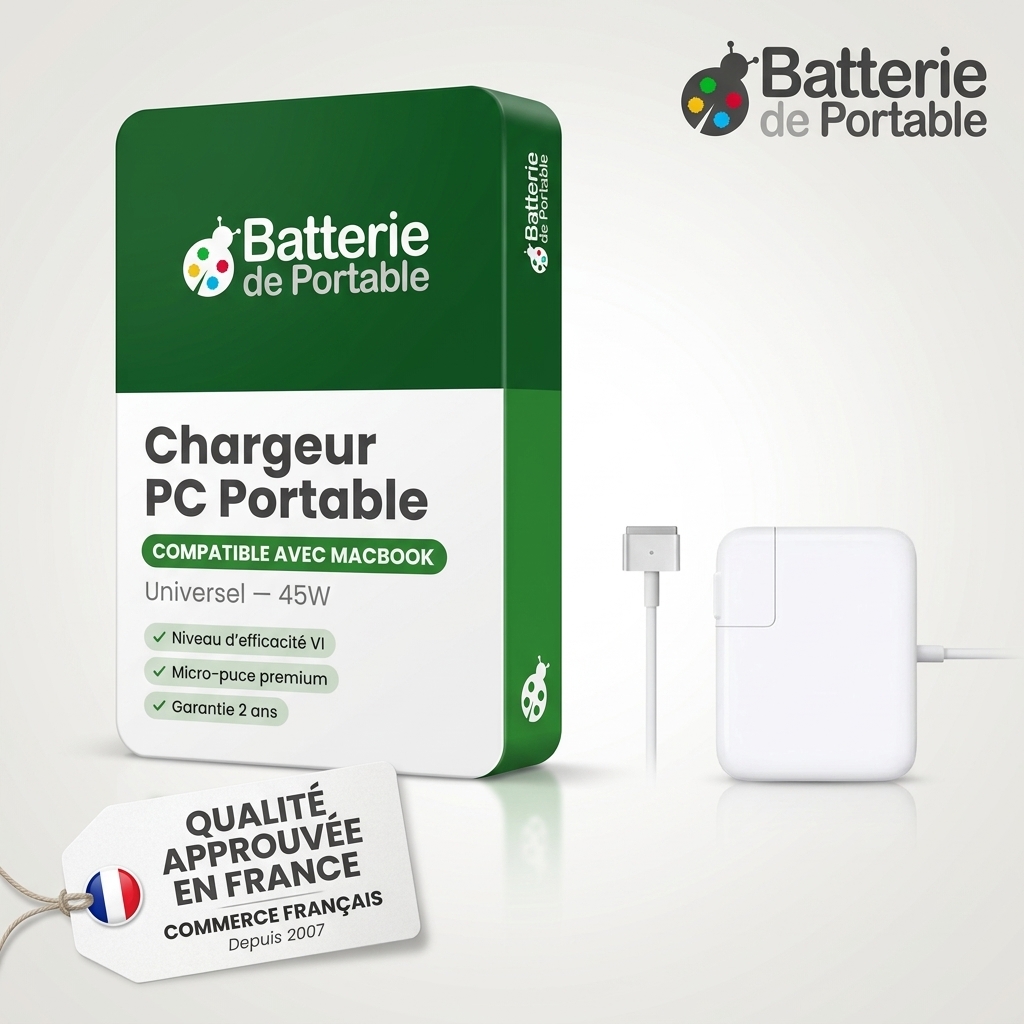
Find the right part for your appliance at batshop
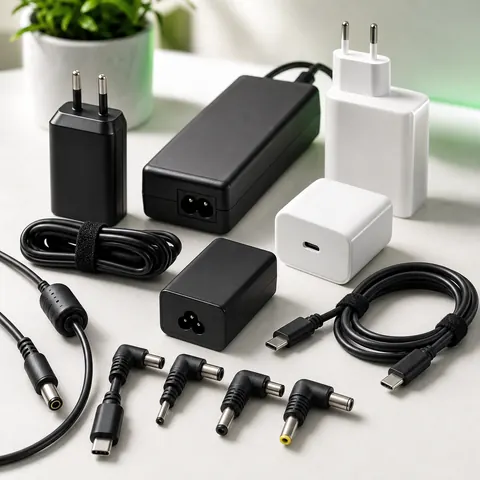
Adapters
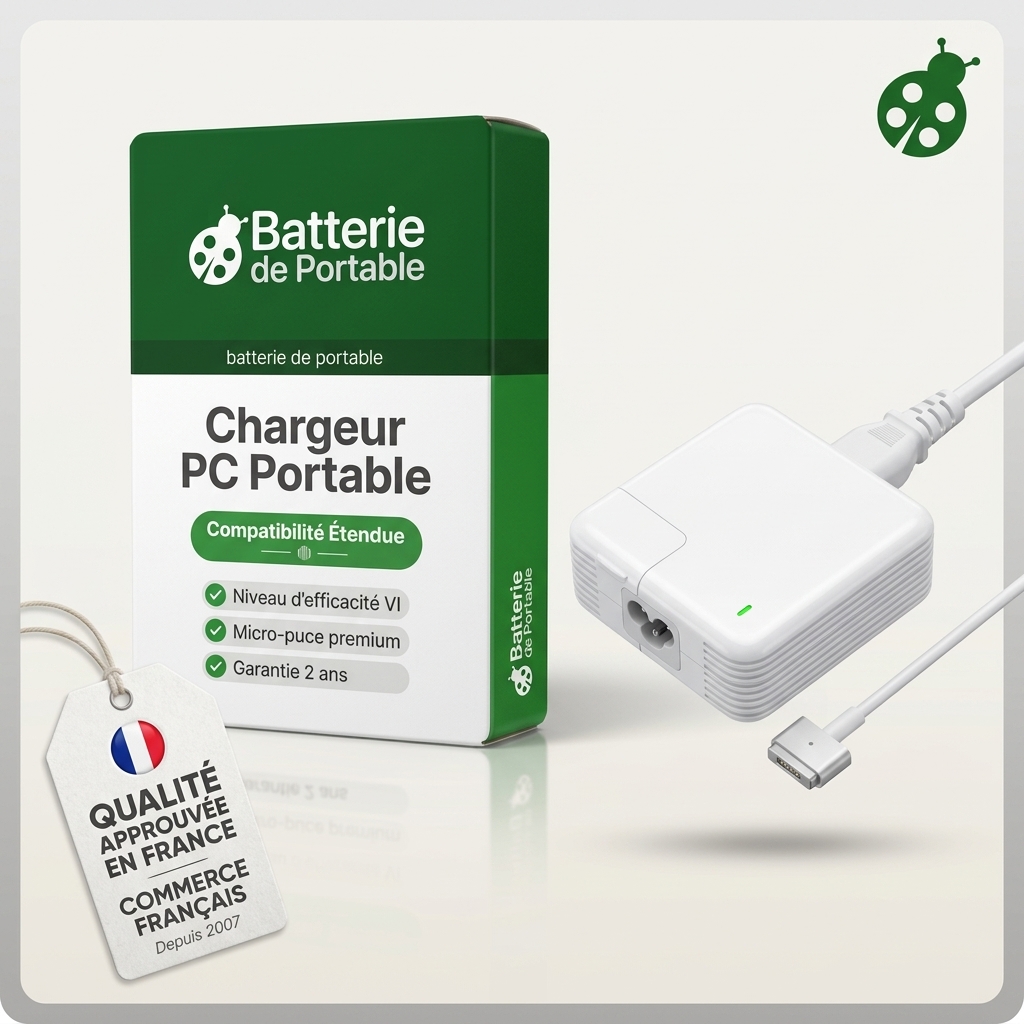
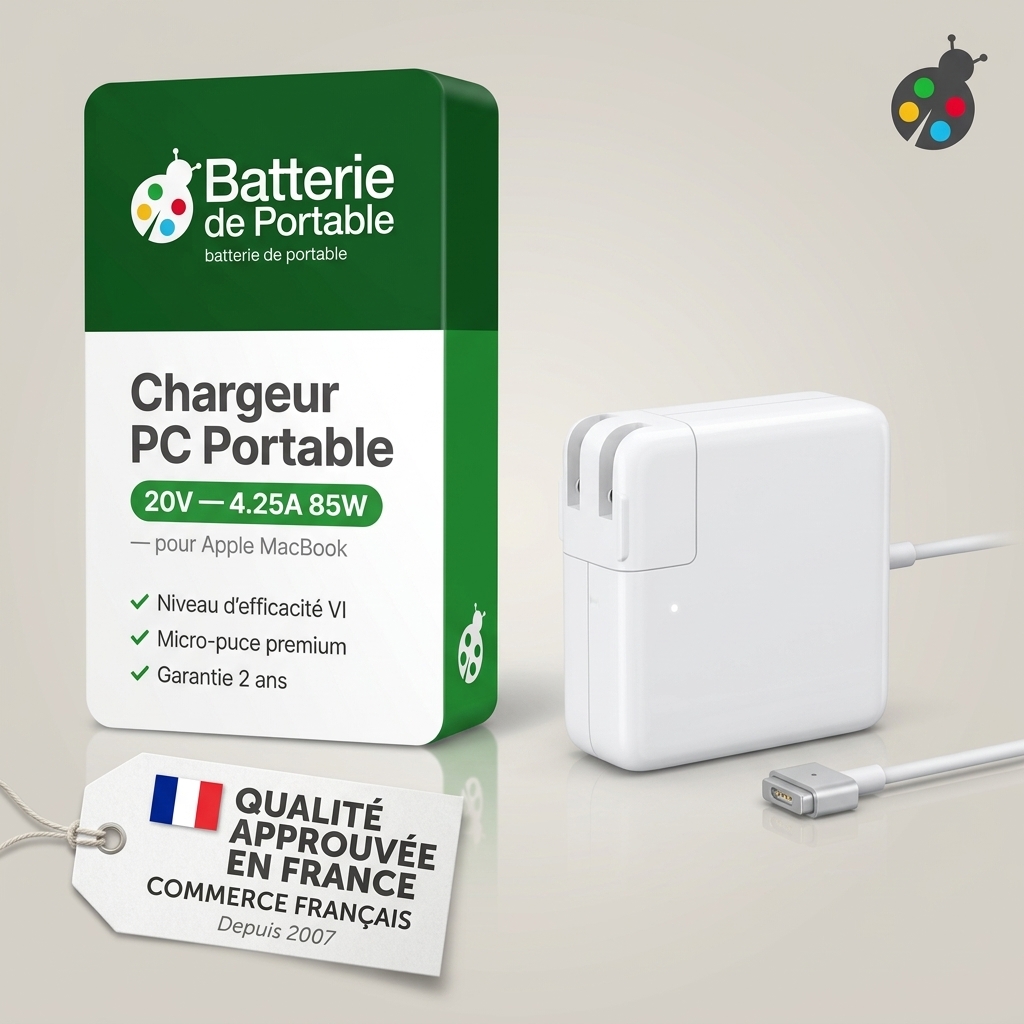
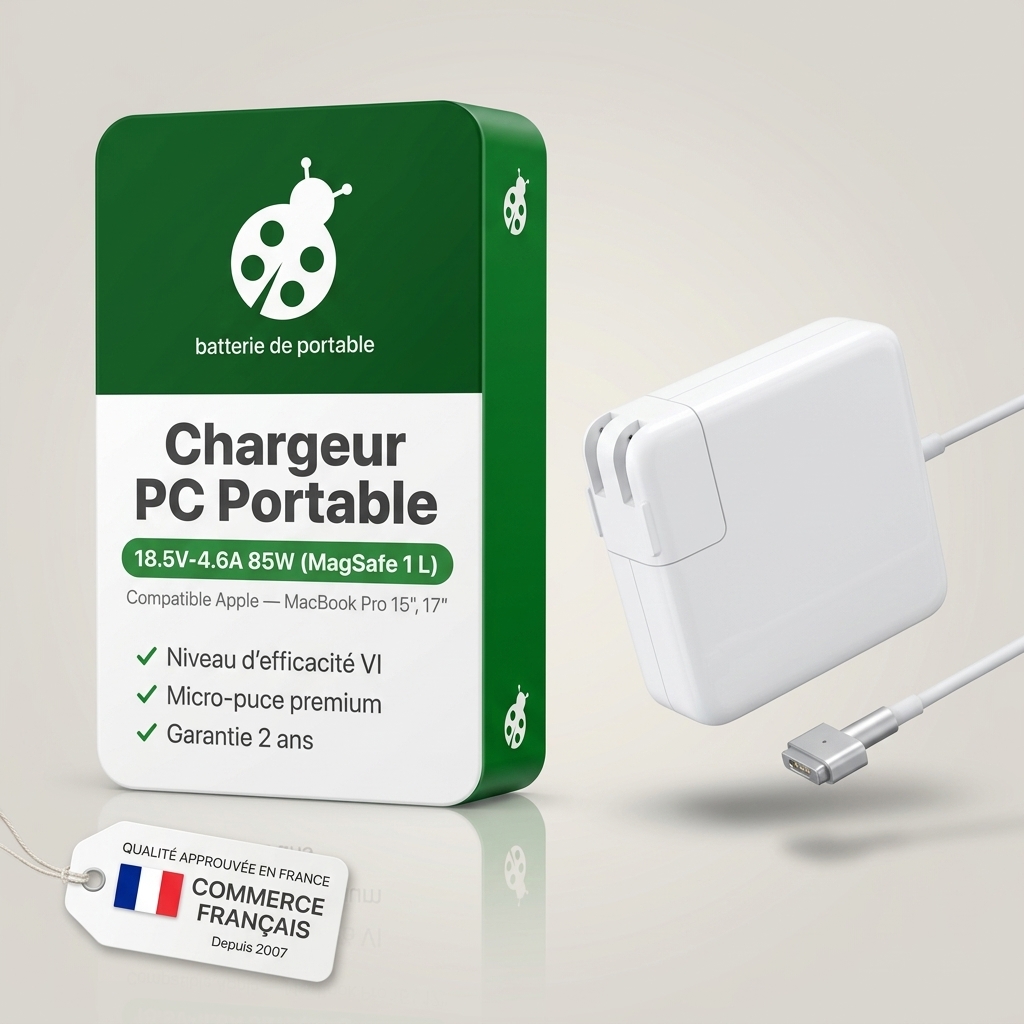
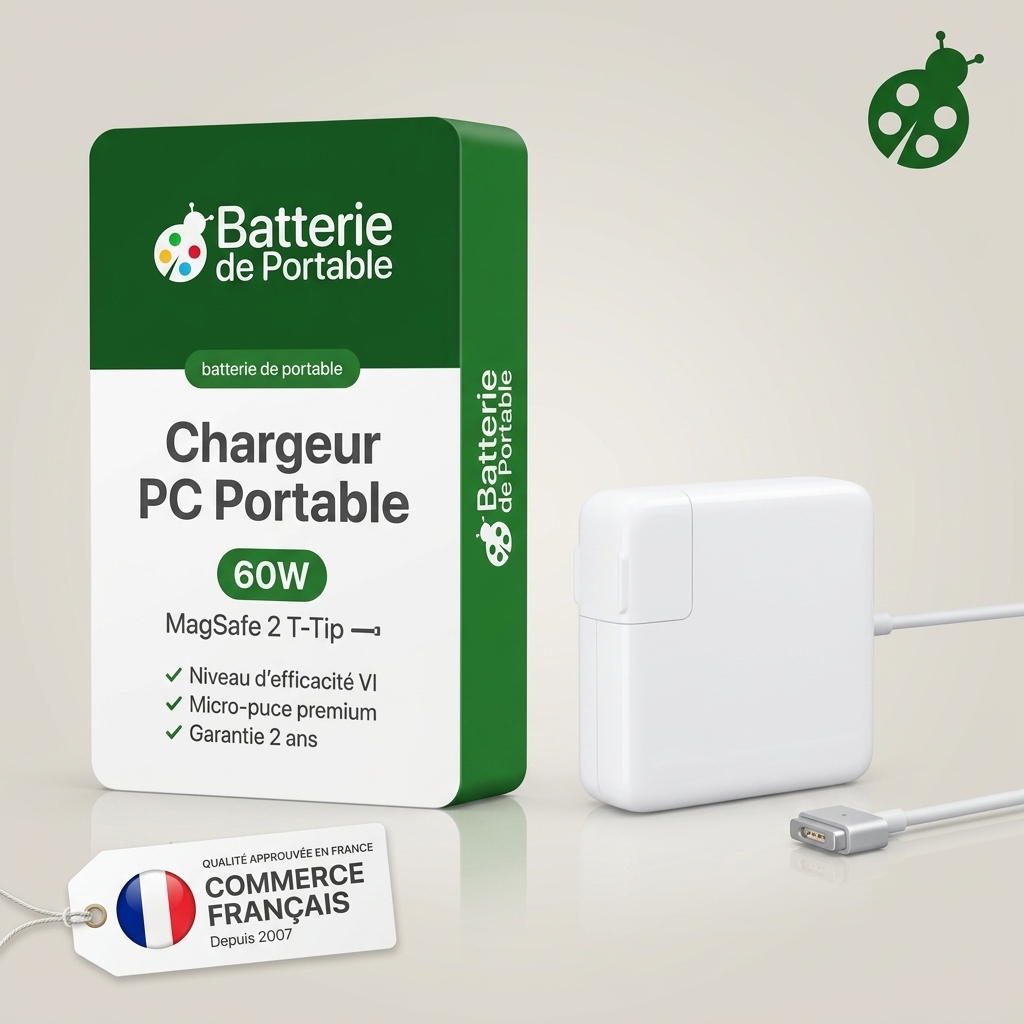
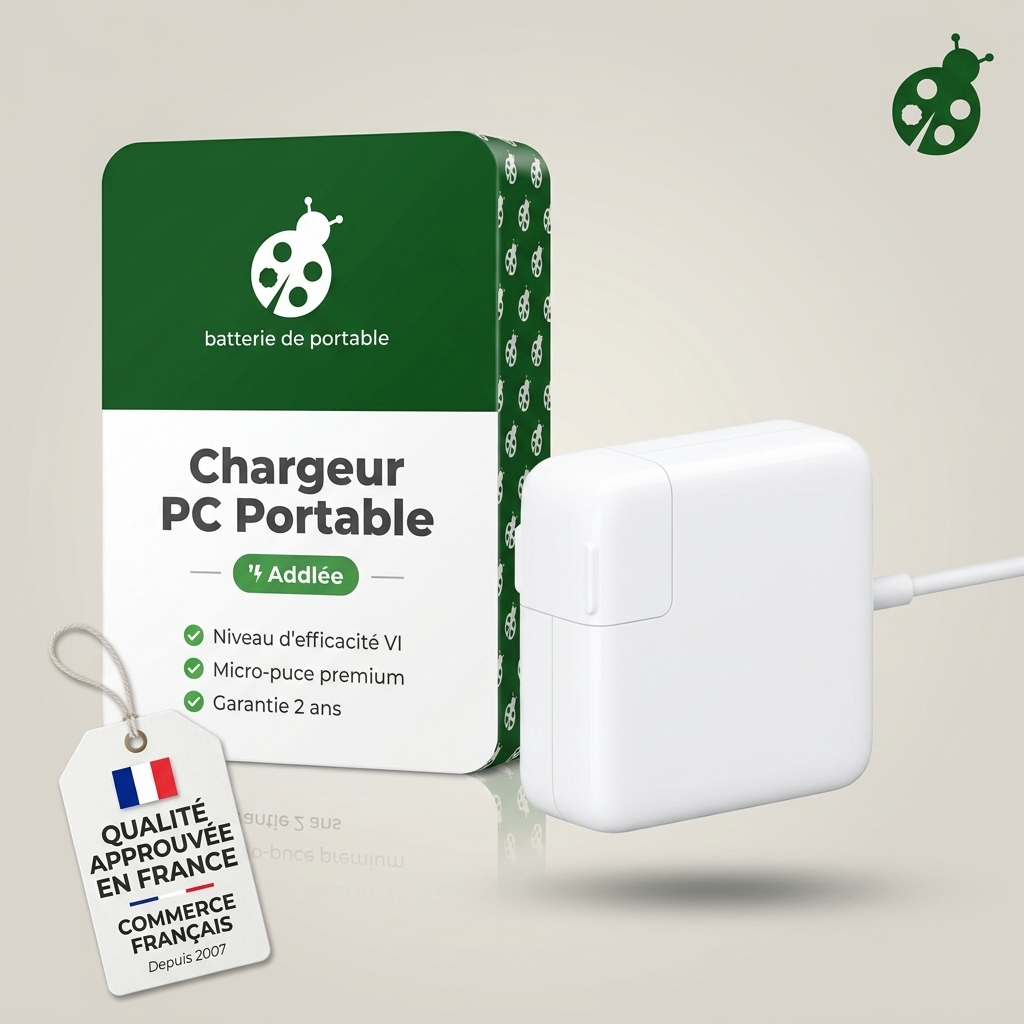
Compatible chargers for laptop Apple
28 759 references for 5 brands. Choose the brand of your device, then its model.
 Bestsellers
The most ordered items
of the 25,90 €
Bestsellers
The most ordered items
of the 25,90 €
Order with peace of mind
- 2-year warranty
- 30 days to change your mind
- Secure payment
All brands
No brands match. Try searching by model or contact us.
Complete your equipment
N°1
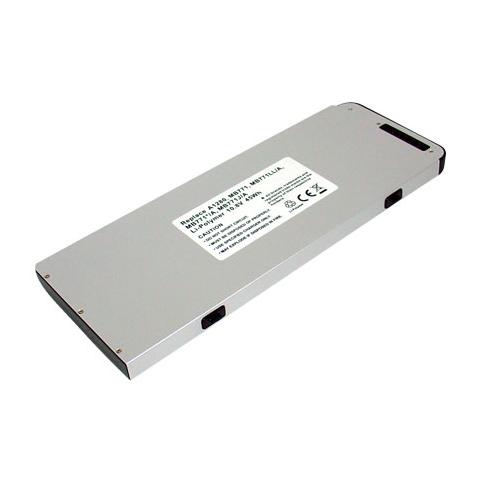
Macbook 13 a1280
- 4400 mAh
- 10,8 V
- Li-Polymer
N°2
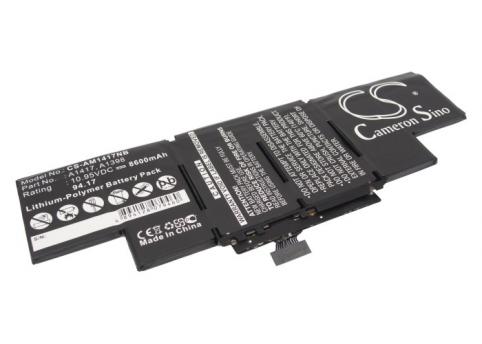
A1417 macbook pro core i7
- 8600 mAh
- 10,95 V
- Lithium-Ion
N°3
-50 %
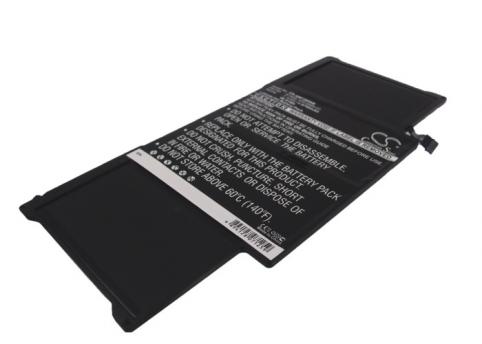
Macbook air 13.3
- 6700 mAh
- 7,3 V
- Lithium-Ion

A1496 macbook air 13 a1466 2013
- 7150 mAh
- 7,6 V
- Lithium-Ion
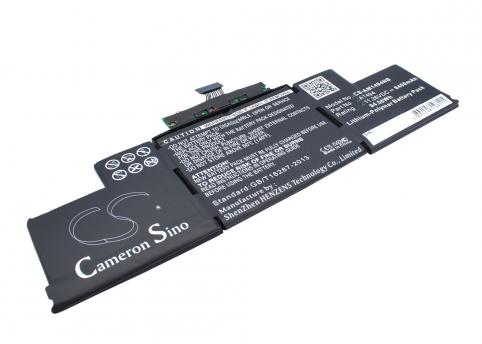
A1494 macbook pro retina display 15 a1398
- 8400 mAh
- 11,26 V
- Lithium-Ion
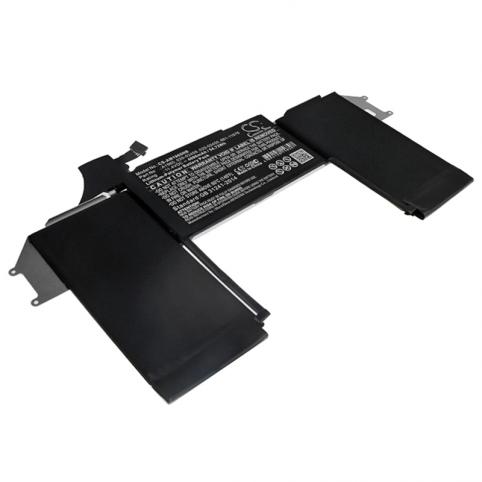
Macbook air 13 retina a1932 2018
- 4800 mAh
- 11,4 V
- Lithium-Ion
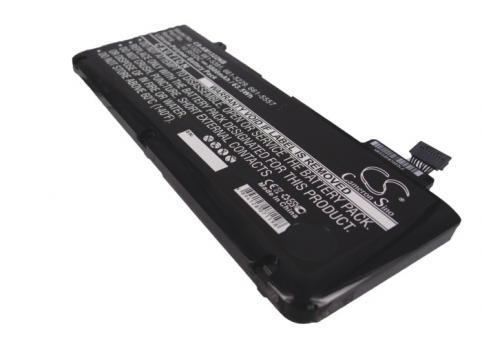
Macbook pro 13 2011
- 5200 mAh
- 10,95 V
- Li-po
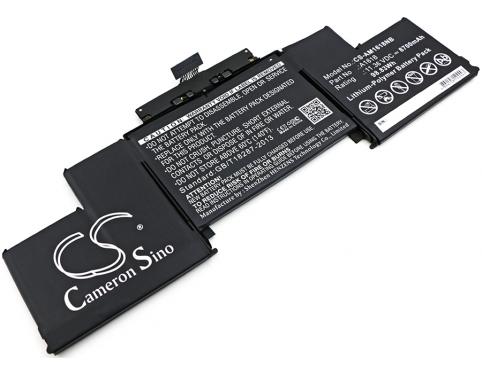
Macbook pro 15 retina mi-2015
- 8700 mAh
- 11,36 V
- Lithium-Ion
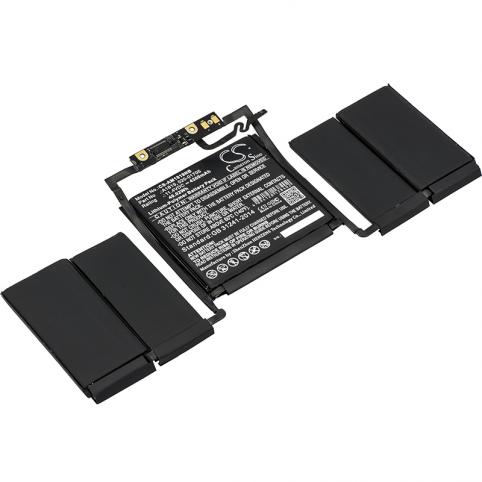
A1706
- 4300 mAh
- 11,4 V
- Lithium-Ion
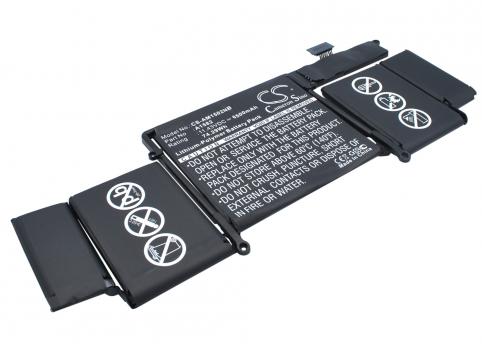
A1582
- 6500 mAh
- 11,43 V
- Lithium-Ion
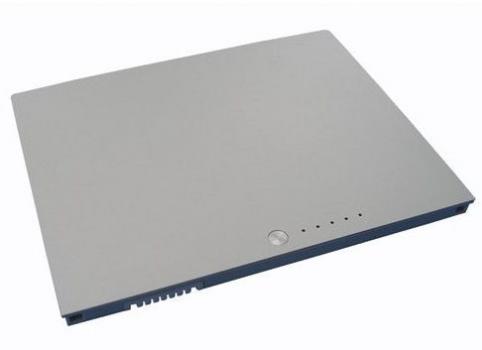
Apple macbook pro 15 a1175
- 5200 mAh
- 10,8 V
- Li-Pol
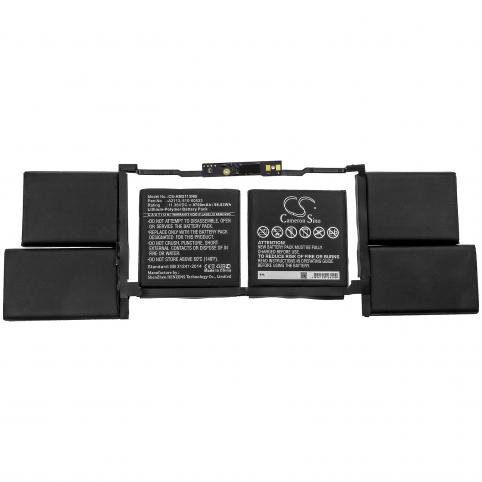
A2141
- 8700 mAh
- 11,36 V
- Li-Polymer
- Tracked deliveryColissimo, Chronopost or collection point
- Secure paymentCredit card, Apple Pay, Google Pay, PayPal
- 2-year warrantyOn all new parts
- 30 daysto change my mind
 Your basket
 EN
EN
 Français
 Español
 Deutsch
 Italiano
 Nederlands