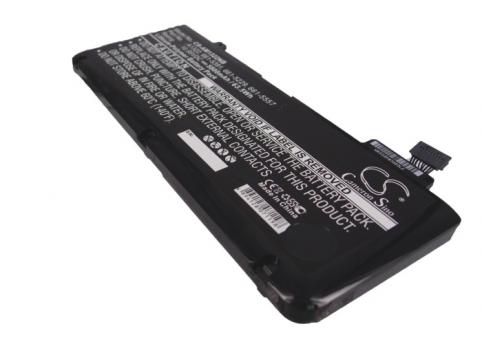
Macbook pro 13 2011
- 5200 mAh
- 10,95 V
- Li-po
5 288 references across 5 series. Choose the series of your device, then its model.
 Bestsellers
The most ordered items
of the 35,80 €
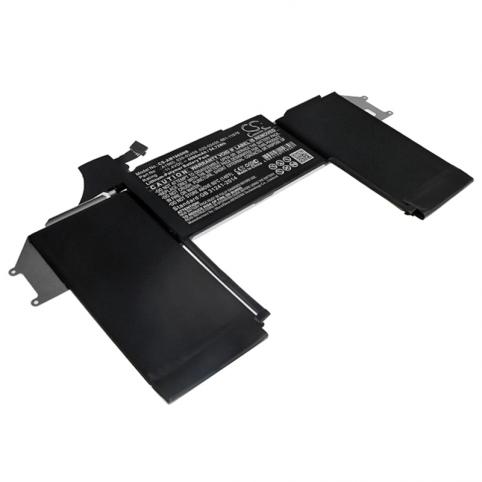
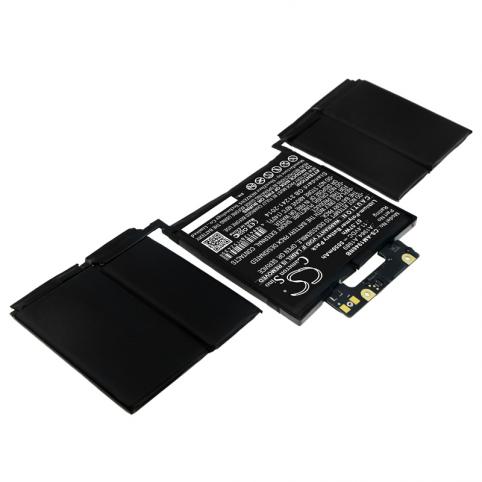
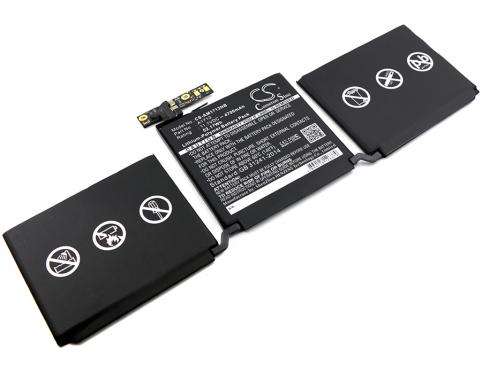
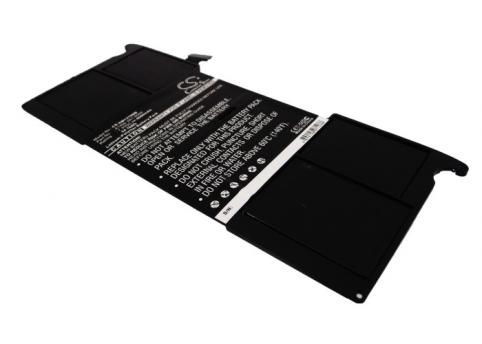

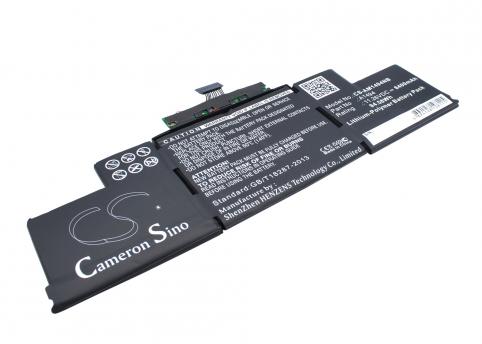
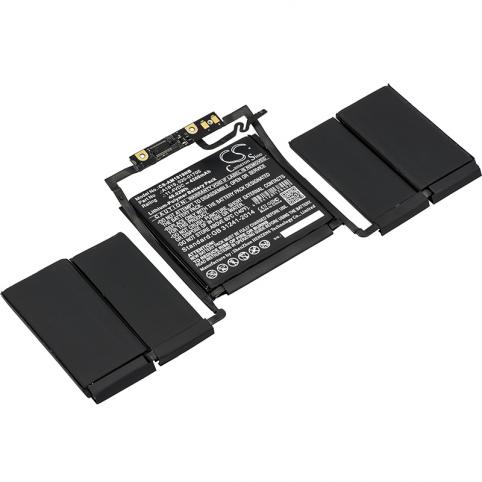
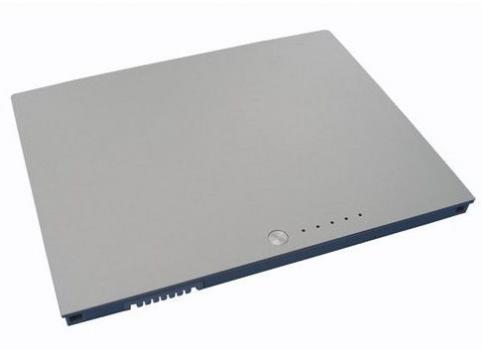
No series matches. Try searching by model or contact us.
On your Mac, open the menu then “About This Mac”, click “System Report”, then go to the “Power” section to check the battery status. If the condition shows “Service” or “Replace Now”, the battery has reached the end of its life and needs to be replaced.
You should plan a replacement when your MacBook’s battery life drops very quickly, it suddenly shuts down without warning, or it barely holds a charge unless it’s plugged in. In this case, simply replacing the battery is usually enough to restore good battery life to your Mac without having to buy a new laptop.
The price varies depending on the range and generation of your Mac (MacBook, MacBook Air, MacBook Pro, Retina or non-Retina models), as each battery reference has its own price. However, the cost remains much lower than that of a new laptop, while effectively extending the lifespan of your device.
On most recent MacBooks, the battery is built into the chassis and held in place with screws or adhesive, which means you have to remove the bottom case of the laptop. With the right tool kit and a battery that’s compatible with the exact model of your Mac, a careful user can carry out the replacement by following a step-by-step guide specific to their model.
If the mains adapter is working but the charge level doesn’t increase, it’s often due to a worn or faulty battery. When too many charge cycles have been used or the internal cells are damaged, the battery no longer accepts charge properly and must be replaced to restore normal portable use.
When the battery in your MacBook, MacBook Pro or MacBook Air starts to wear out, your laptop loses much of its appeal: you stay plugged in all the time and even the smallest trip becomes complicated. In most cases, however, there is no need to replace the whole device: fitting a new battery is enough to restore its staying power.
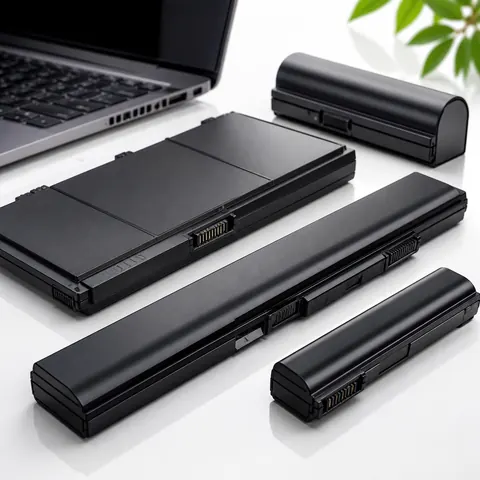
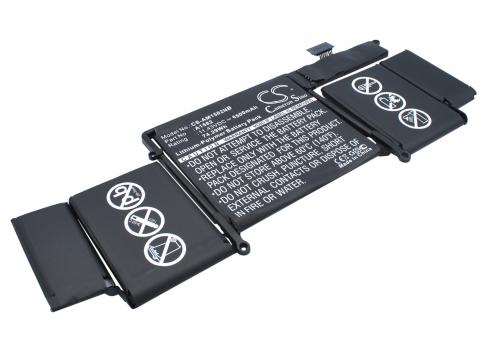
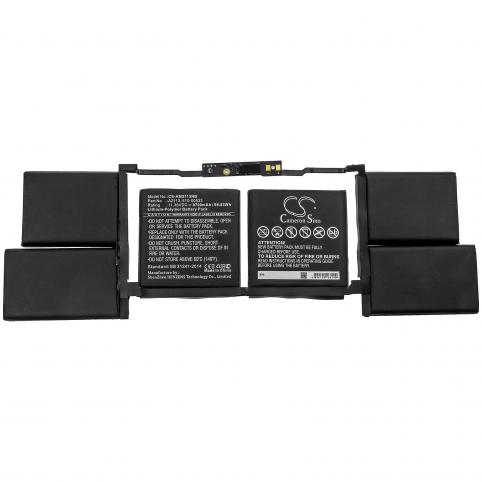
On Batshop, you can find replacement batteries suitable for different Apple laptop models, depending on the original technology and how you use your device. Depending on the model, several types of cells can be found:
You should choose your new battery according to the original specifications (voltage, technology type, number of cells, connector) and the stated compatibility for your exact Apple reference. Always compare the information on your current battery (shown on the label) with that of the replacement battery.
If you bought an Apple, it was partly so you could use it anywhere: at home, in the office, in class or when travelling. With a worn battery, this promise gradually fades away: reduced battery life, sudden shutdowns, and the need to stay close to a power socket. By replacing the battery with a new, suitable model, you give your machine back its ability to keep up with you wherever you go.
A battery in good condition allows you to:
To choose the right part, identify the exact model of your Apple laptop (commercial name, serial number, battery reference) then select the replacement battery that clearly states compatibility with this model. Our brand new parts come with a 2-year warranty, and you have 30 days to change your mind. You also benefit from tracked delivery (Colissimo, Chronopost or collection point) and secure payment (bank card, Apple Pay, Google Pay, PayPal).
Once fitted, your new battery pack restores real battery life to your Apple, for more reliable mobile use every day.

 Your basket
 EN
 Français
 Español
 Deutsch
 Italiano
 Nederlands