
14-d001tu
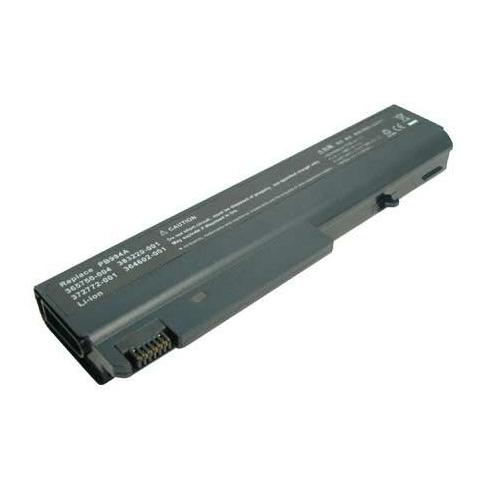
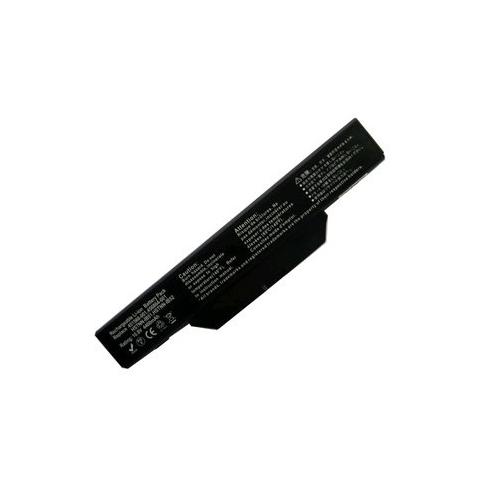
- 2200 mAh
- 14,4 V
- Lithium-Ion
9 861 references across 11 series. Choose the series of your device, then its model.
 Bestsellers
The most ordered items
of the 25,80 €

No series matches. Try searching by model or contact us.
Yes, that’s normal: Compaq is part of the HP group, and many batteries are shared between the two brands. To confirm compatibility, rely mainly on the reference printed on the label, especially the type code “HSTNN” or the wording “Spare Part” followed by letters and numbers.
Switch off the laptop, remove the battery, then check the label stuck on it to find the line “Replace with HP Spare” or the exact model name (for example Presario CQ60). Using this reference or your laptop series, you can select on Batshop a battery that fits your Compaq laptop.
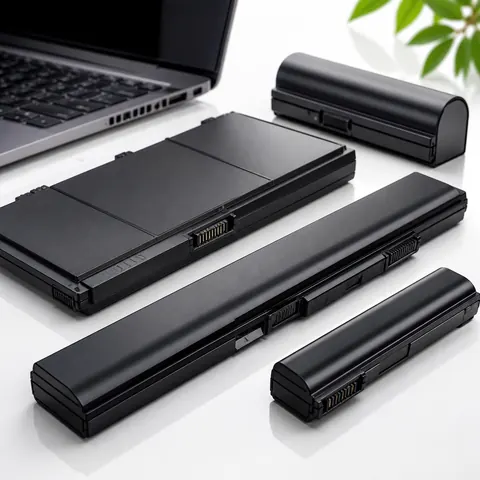
In many cases, you can upgrade from a 6‑cell battery to a 9‑cell or 12‑cell version to increase battery life. These higher‑capacity batteries may stick out slightly from the chassis, but this has no impact on safety or on the correct electrical operation of your Compaq laptop.
The Compaq Evo and Armada ranges use specific battery formats that are becoming hard to find. Batshop still offers some new references for these vintage laptops, helping you extend the life of your machine while maintaining a level of reliability suitable for modern-day use.
For storage over several weeks or months, charge the battery to around half, then keep it in a dry place at a moderate temperature, away from heat sources. New batteries sold by Batshop, shipped with tracking (Colissimo, Chronopost or collection point) and covered by our secure payment options (CB, Apple Pay, Google Pay, PayPal), come with a 2‑year warranty and a 30‑day cooling‑off period.
Without a battery in good condition, your Compaq laptop loses all its mobility. Over time, the battery life drops, you have to recharge more often and everyday use becomes more difficult. Replacing your battery lets you use your laptop away from a mains socket again and helps extend the lifespan of your Compaq device.
A high-performance battery gives you more freedom of movement, fewer times plugged into the charger and greater comfort when using your Compaq laptop. When the battery life suddenly collapses, the charge no longer holds or the battery is no longer detected, it is generally time to opt for a replacement.
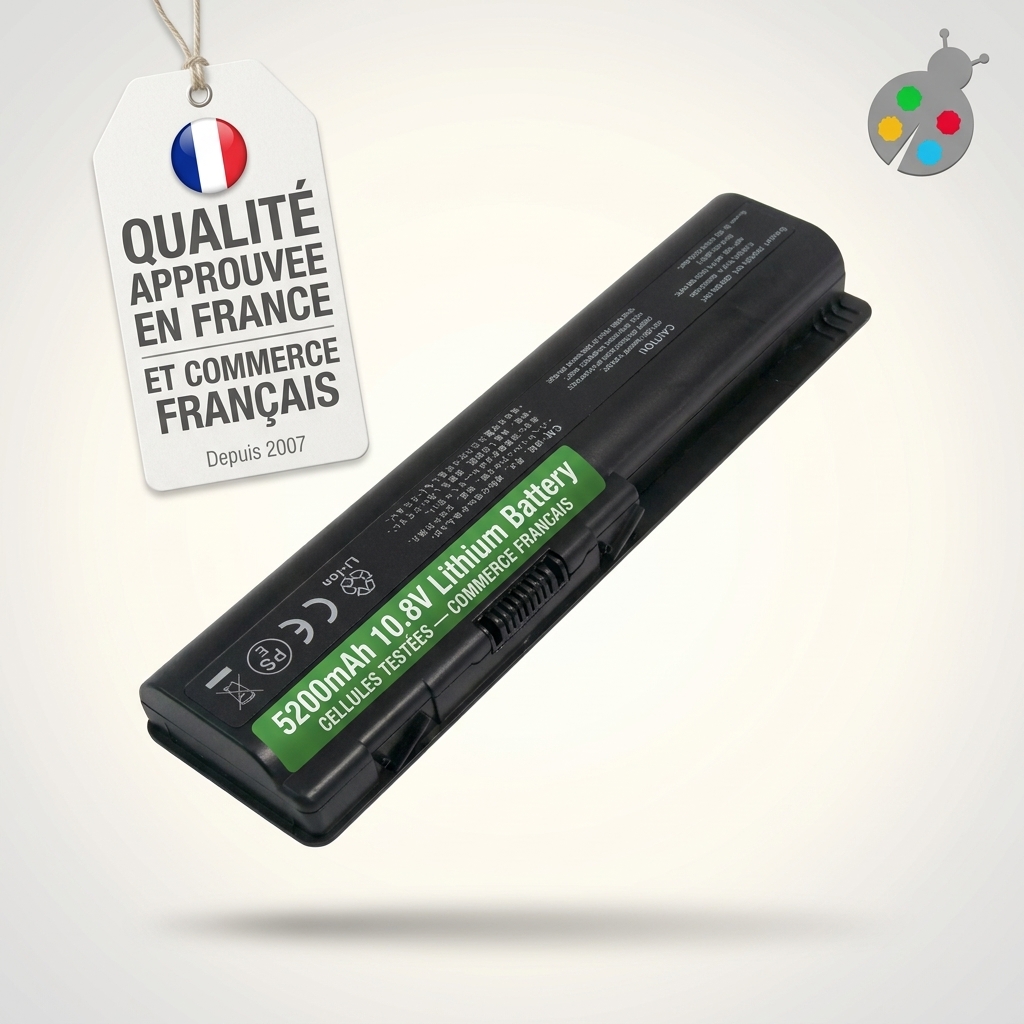
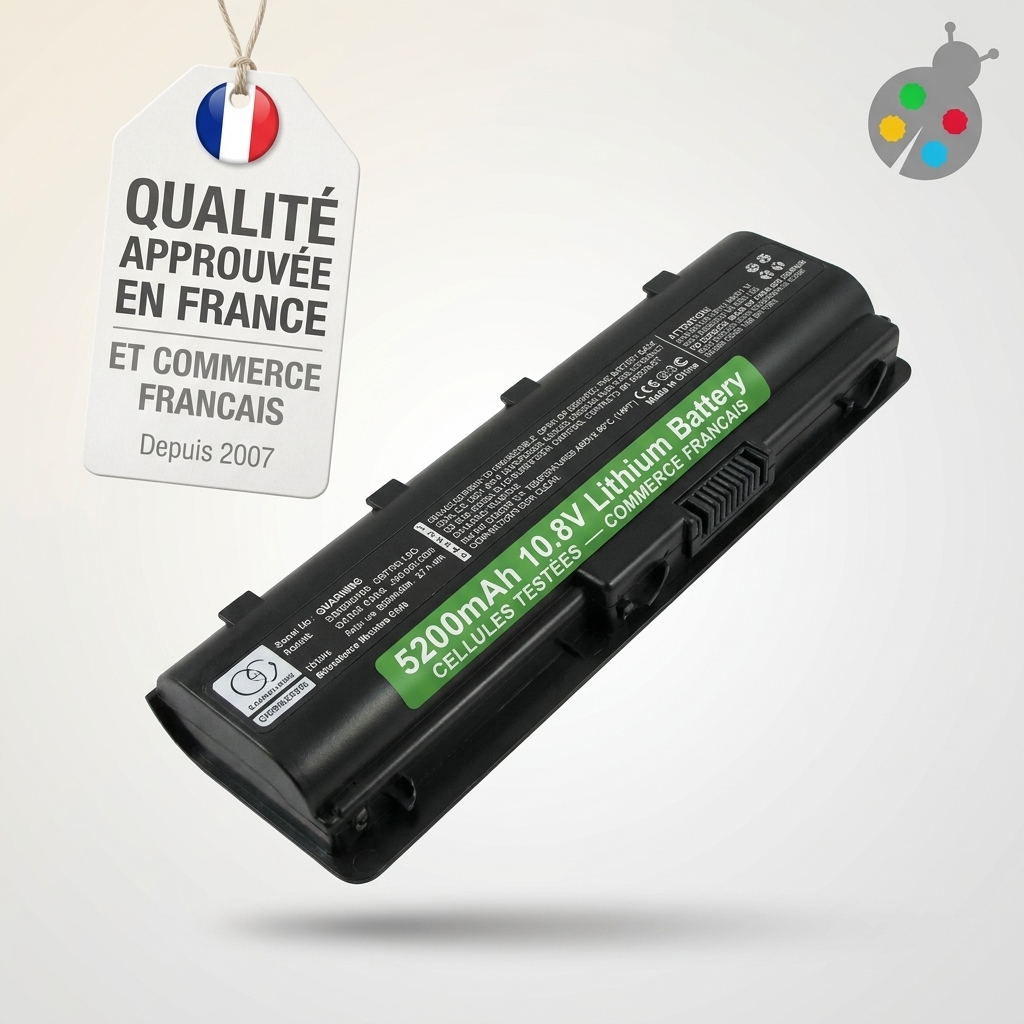
On Batshop, you will find various battery references compatible with many Compaq laptop models. The original specifications (voltage, capacity, connector) are respected to ensure correct integration into your machine and the same operation as the battery originally supplied with the laptop.
The batteries offered are manufactured using cells and components that are rigorously tested before being placed on the market, to verify charge stability, user safety and long-term performance. Our products comply with the main safety and environmental standards usually required (ISO 9001, CE, RoHS), allowing you to use your Compaq laptop with complete peace of mind.
Several signs indicate that a Compaq laptop battery is reaching the end of its life:
If in doubt, it is advisable to have the condition of the battery checked by a professional, who can confirm whether replacement is necessary or whether the problem comes from another component.
Before buying a new battery for your Compaq laptop, take the time to note down the information shown on the label of the original battery or in the device documentation. Three main items of data must be checked:
Choosing a compatible model is not just about finding the same look or the same commercial reference: it is important that these values match the specifications of your Compaq to ensure safe, reliable operation.
When replacing the battery, make sure the laptop is completely switched off and unplugged. On a model with a removable battery, you generally just need to operate the latches provided for this purpose. For a model with an internal battery, opening the case and disconnecting the ribbon cables requires care; if you are not comfortable with this type of operation, it is better to entrust the work to a technician.
Once your new battery is installed, a few good practices will help preserve its lifespan:
Batshop supports you in choosing your Compaq battery with tracked delivery (Colissimo, Chronopost or collection point), secure payment (CB, Apple Pay, Google Pay, PayPal), a 2-year warranty on new parts and 30 days to change your mind.

 Your basket
 EN
 Français
 Español
 Deutsch
 Italiano
 Nederlands